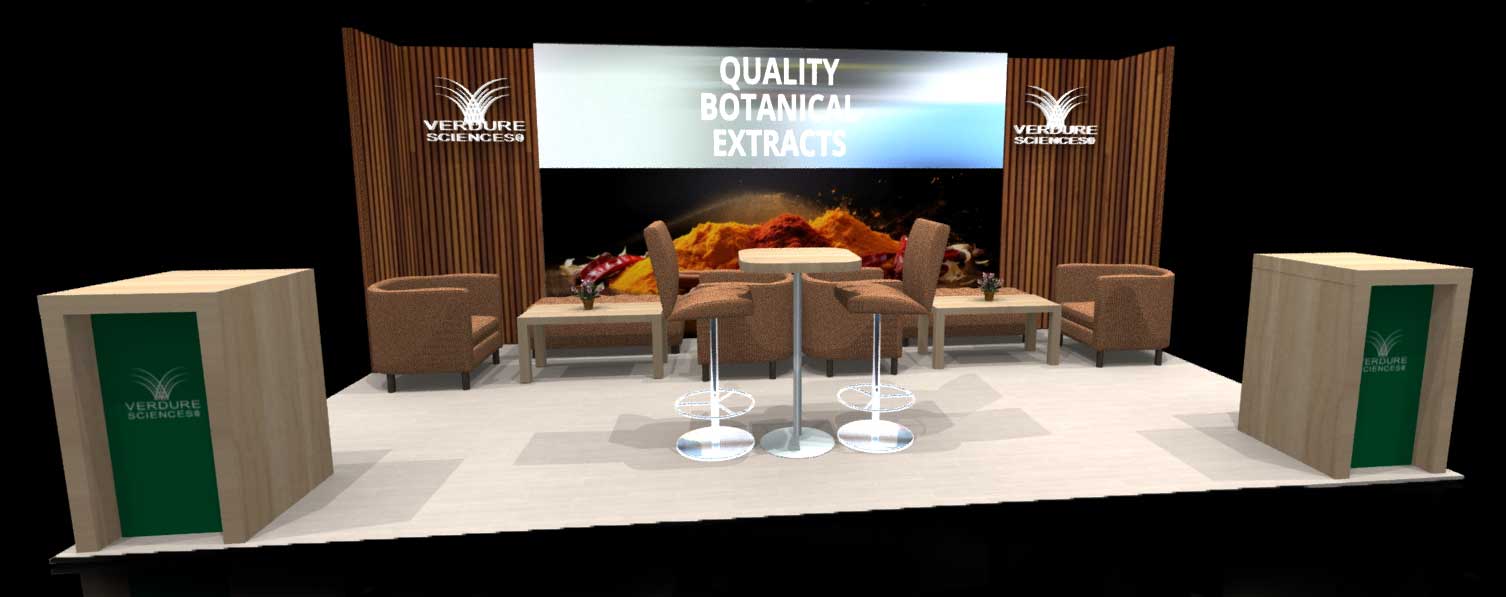
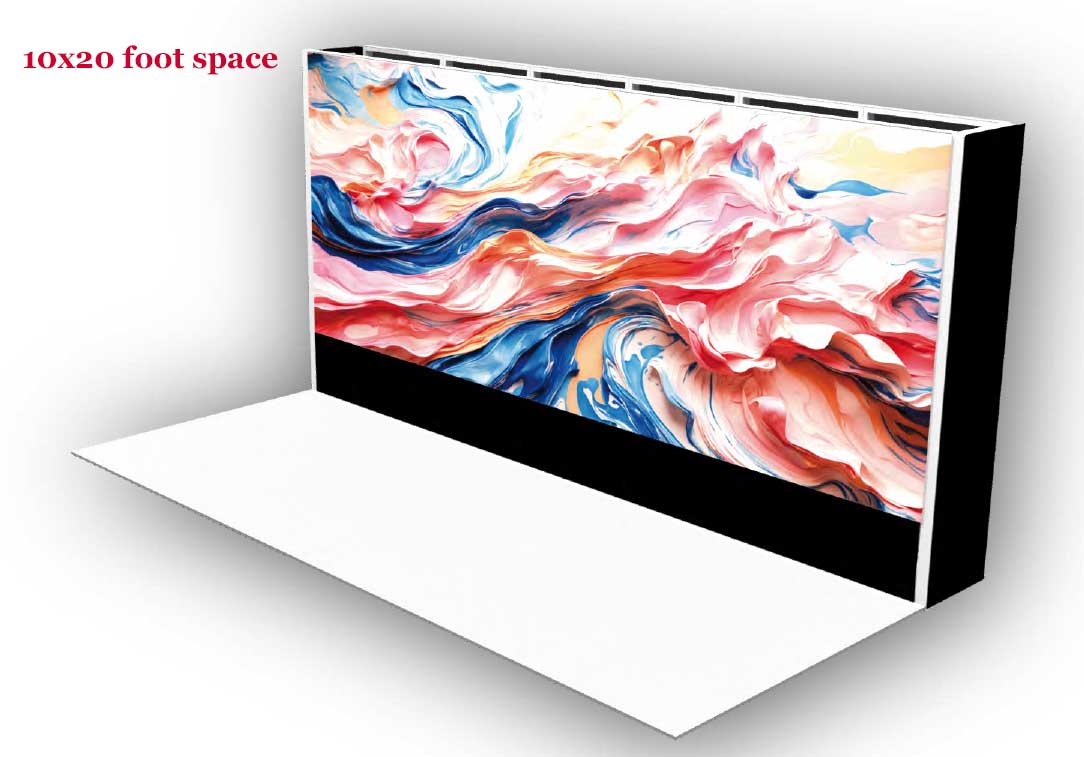
A display video wall usually enters the conversation after a frustrating booth review. The graphics looked fine in the office. The rented TVs seemed “good enough” on paper. Then the show opened, and the booth disappeared into the visual noise. Content was chopped up by bezels, setup took too long, and your team spent opening morning troubleshooting instead of talking to buyers.
That’s why more exhibitors are moving to purpose-built LED systems. The display video wall market reached USD 18.33 billion globally in 2024 and is projected to grow at a 14.0% CAGR from 2025 to 2030, driven by demand for immersive engagement in high-traffic environments such as retail, entertainment, and trade shows, according to Grand View Research’s interactive video wall analysis. This isn’t a novelty category anymore. It’s becoming standard equipment for brands that need to be seen.
The practical question isn’t whether video can help. It’s whether your booth system is built to make video easy, reliable, and cost-effective on a show floor. That’s where the difference between modern LED tiles and outdated monitor stacks gets very real.
Your Guide to a Next-Generation Display Video Wall
Most exhibitors don’t need another screen. They need a booth that works harder.
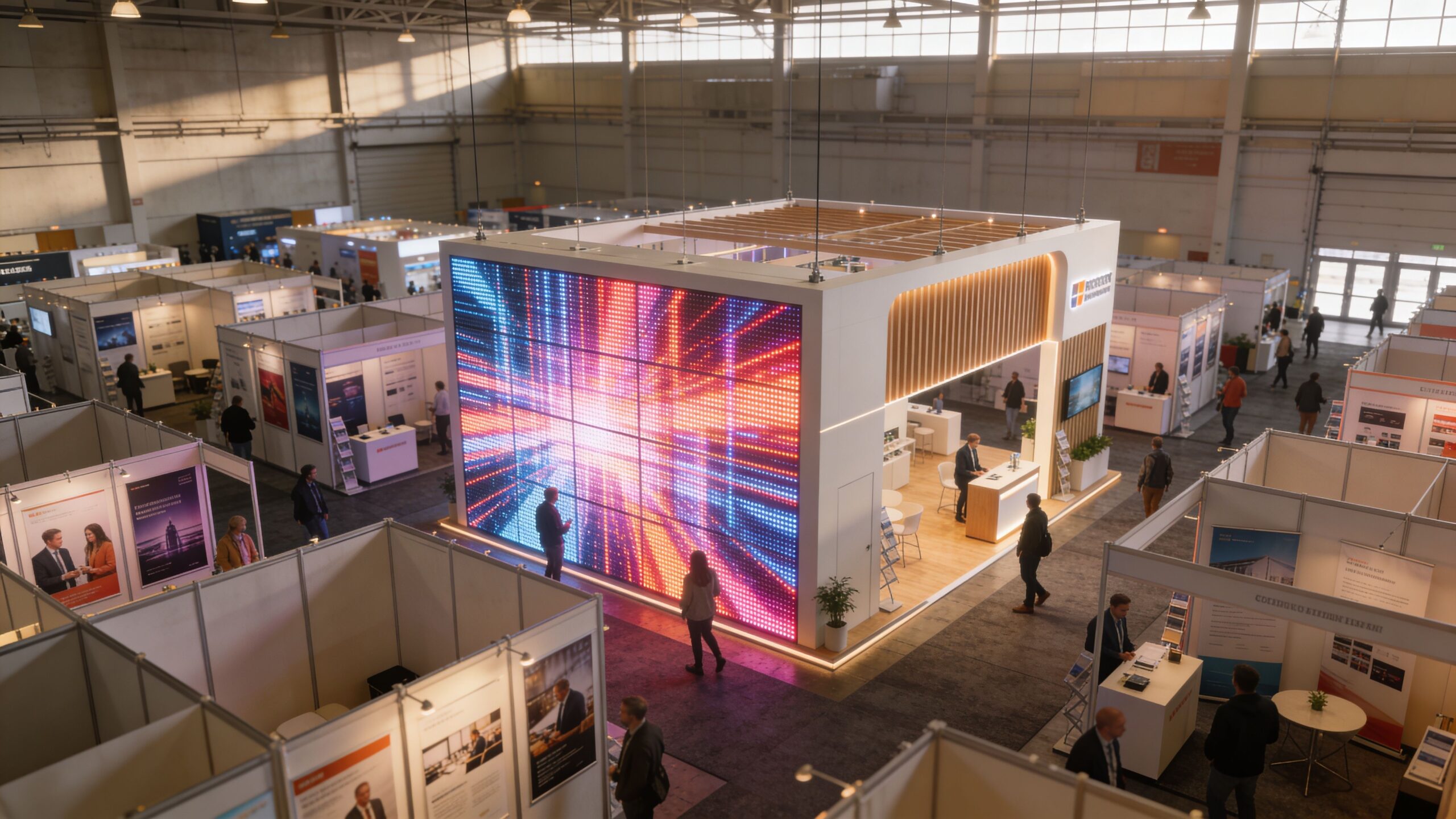
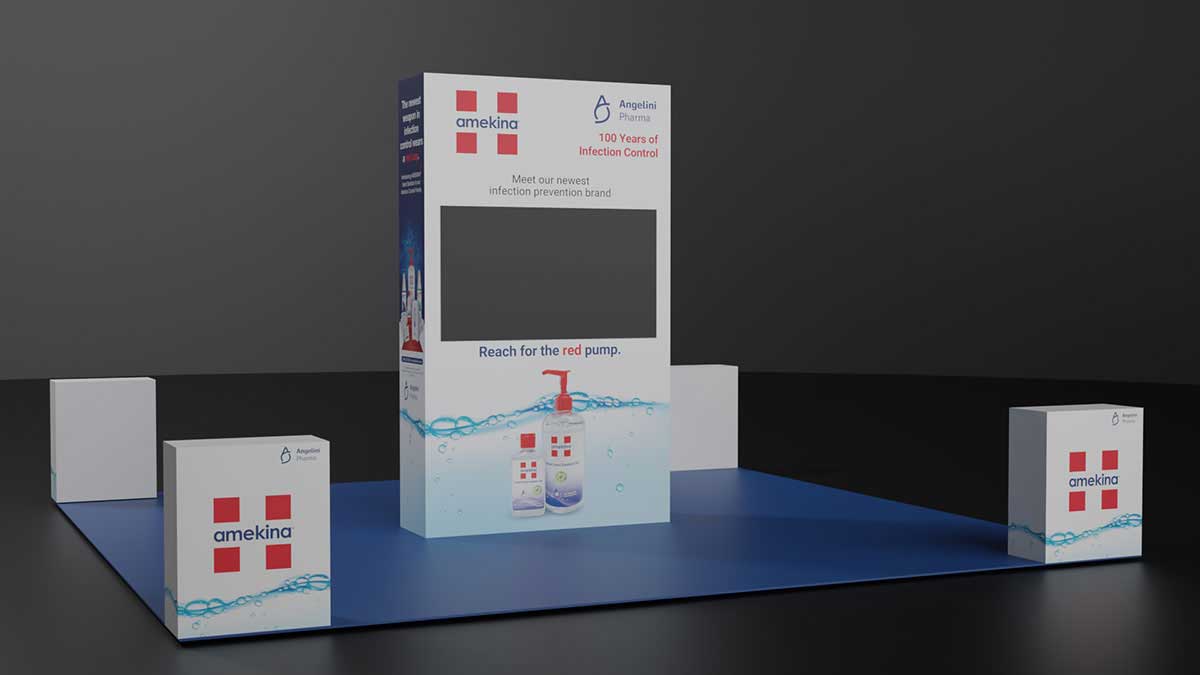
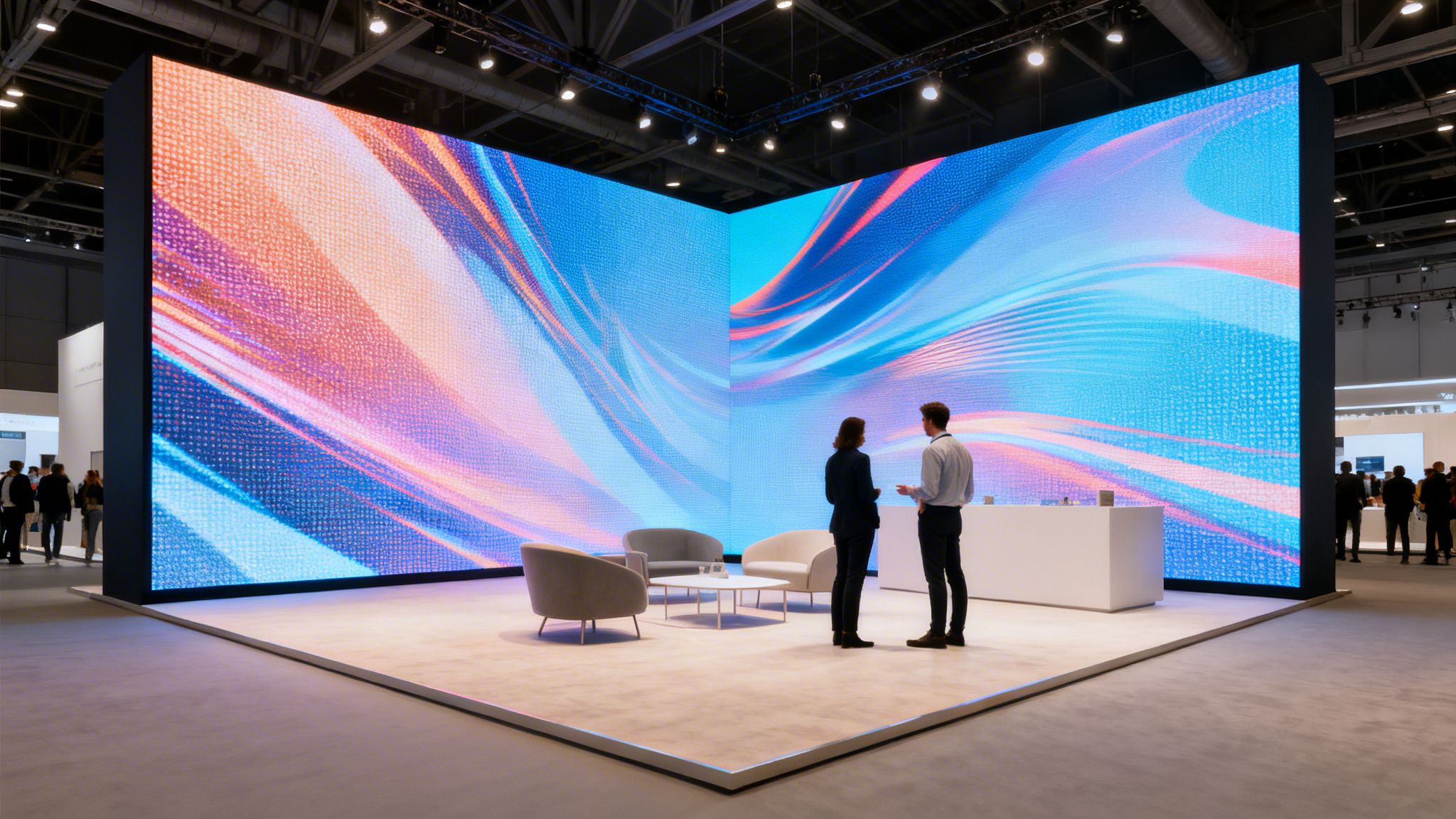
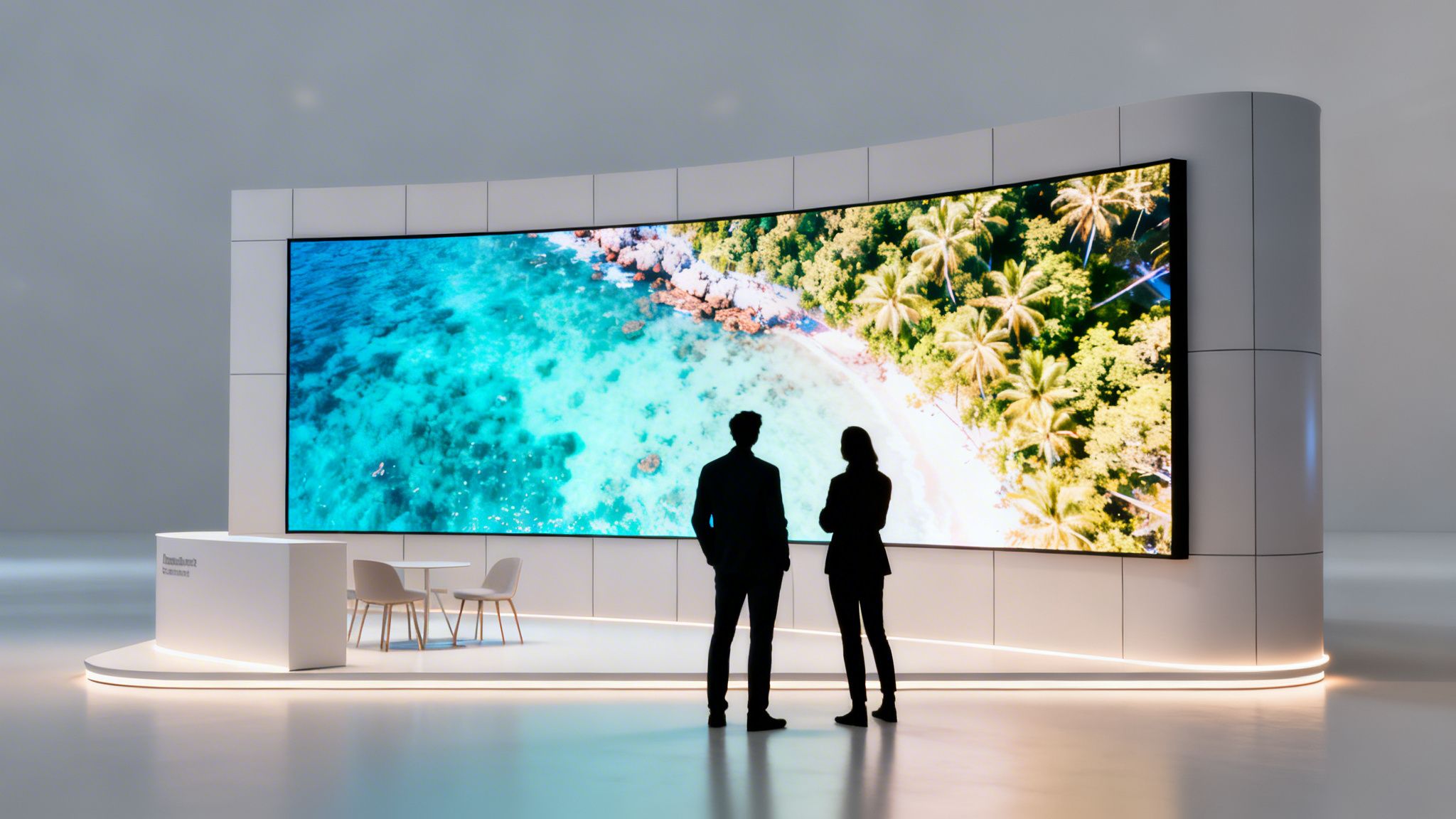
A modern display video wall turns the structure itself into the message. Instead of hanging a few monitors on a frame and hoping people stop, you create one digital surface that carries motion, branding, demos, and atmosphere across the entire booth. That matters because trade shows are chaotic. Buyers scan quickly. If your booth doesn’t register in a glance, you lose the moment.
The shift toward immersive display technology is happening for a reason. Buyers now expect motion, clarity, and polish. They’ve seen sleek retail installs, branded event environments, and high-end launch spaces. Those expectations follow them onto the show floor. If your exhibit still relies on pop-up graphics and a lone TV, it feels dated even before the first conversation starts.
Here’s the part many vendors miss. Specs alone don’t solve trade show problems. Operational ease does. You need a wall that looks sharp from close range, goes up cleanly, ships efficiently, and doesn’t leave your team babysitting hardware all day.
Practical rule: If your display system creates more labor, more freight complexity, or more chances for failure, it’s not helping your exhibit program.
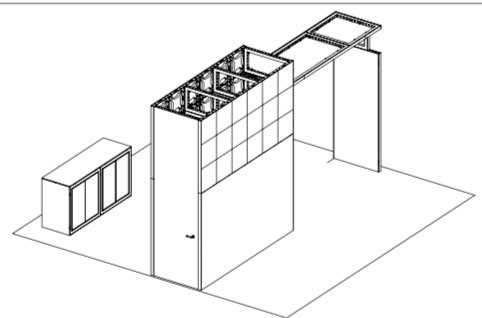
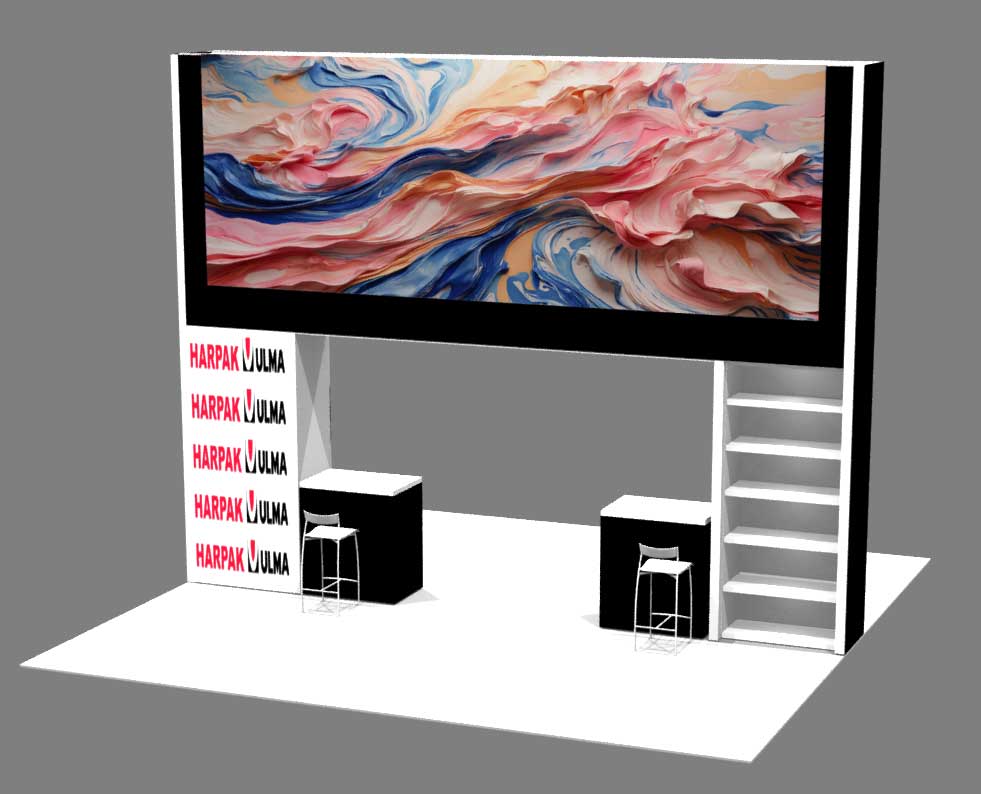
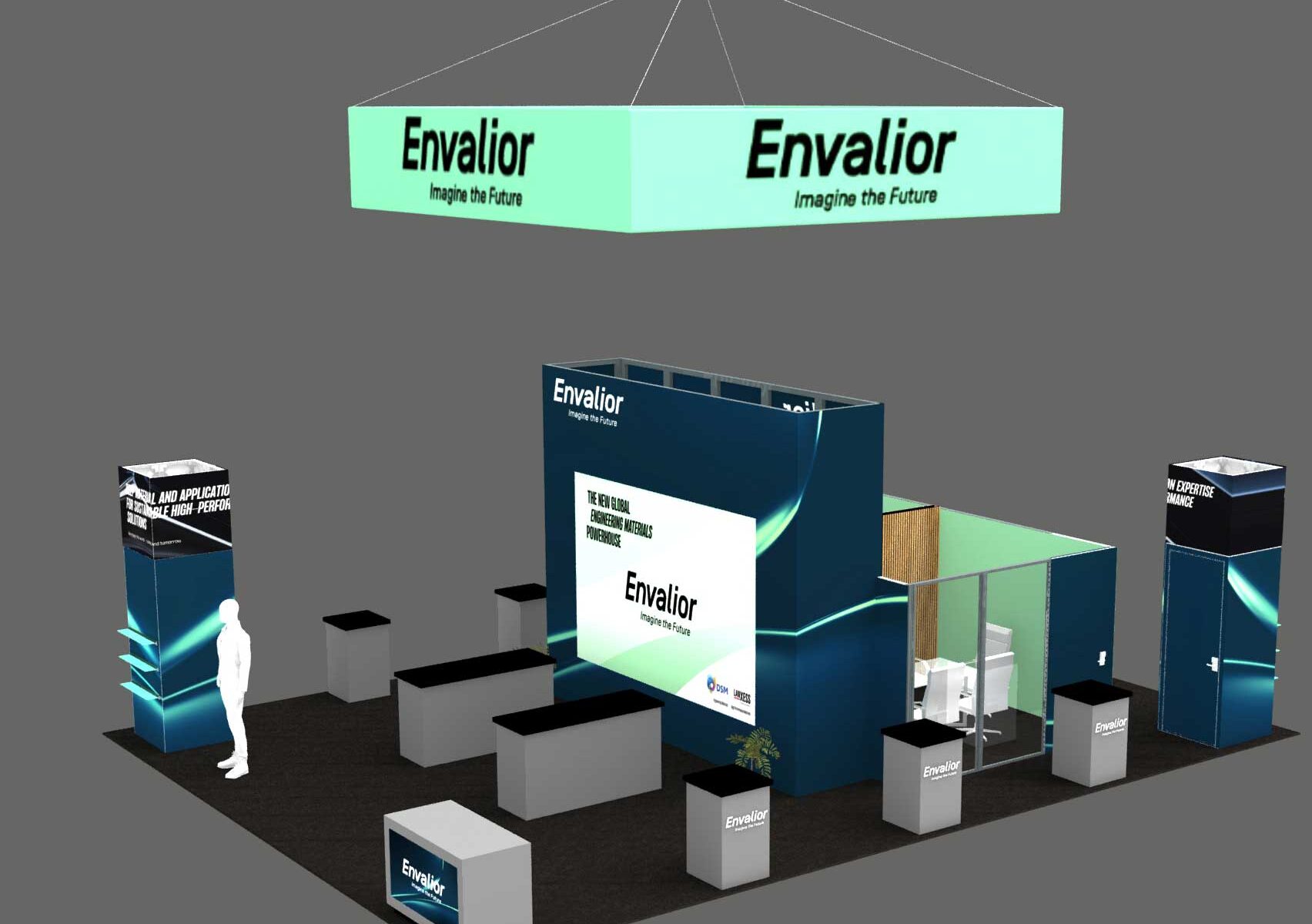
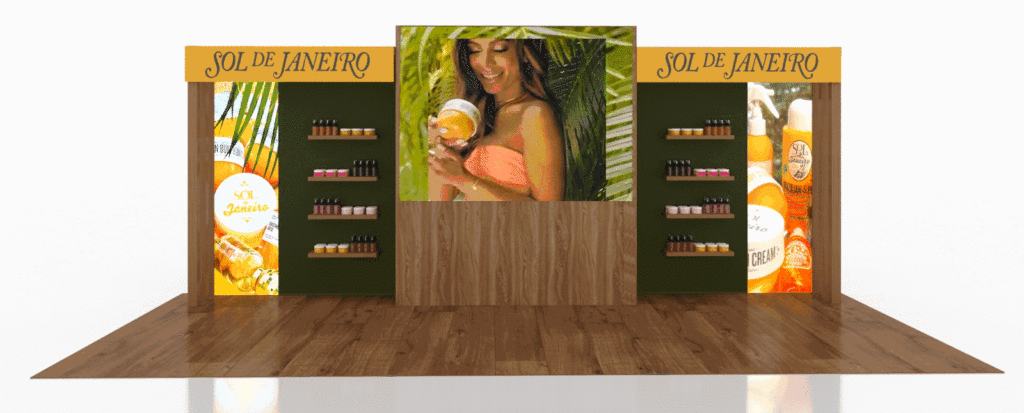
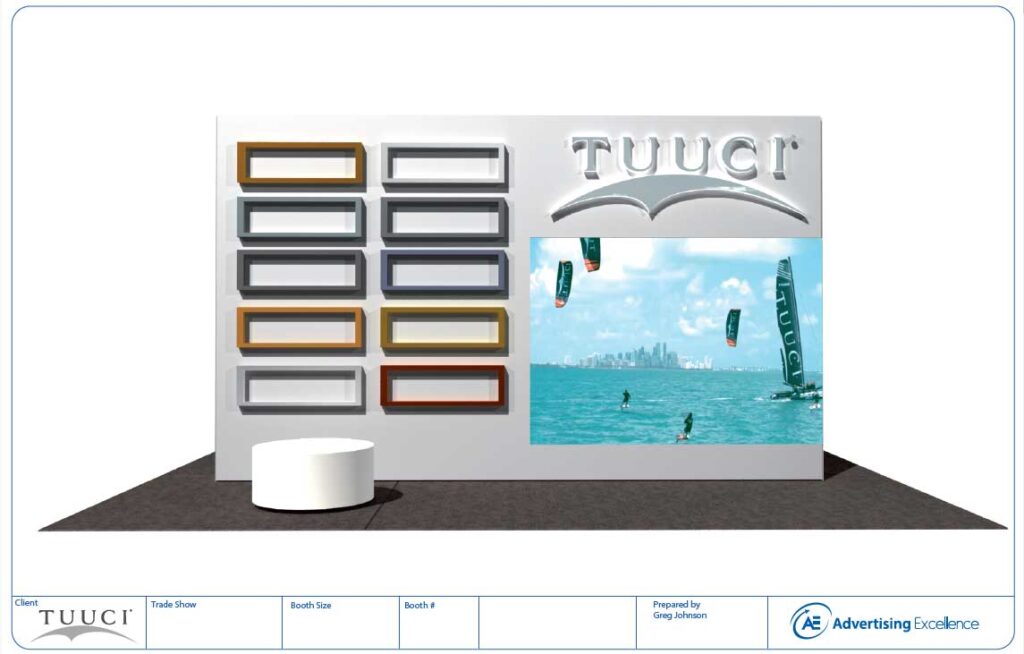
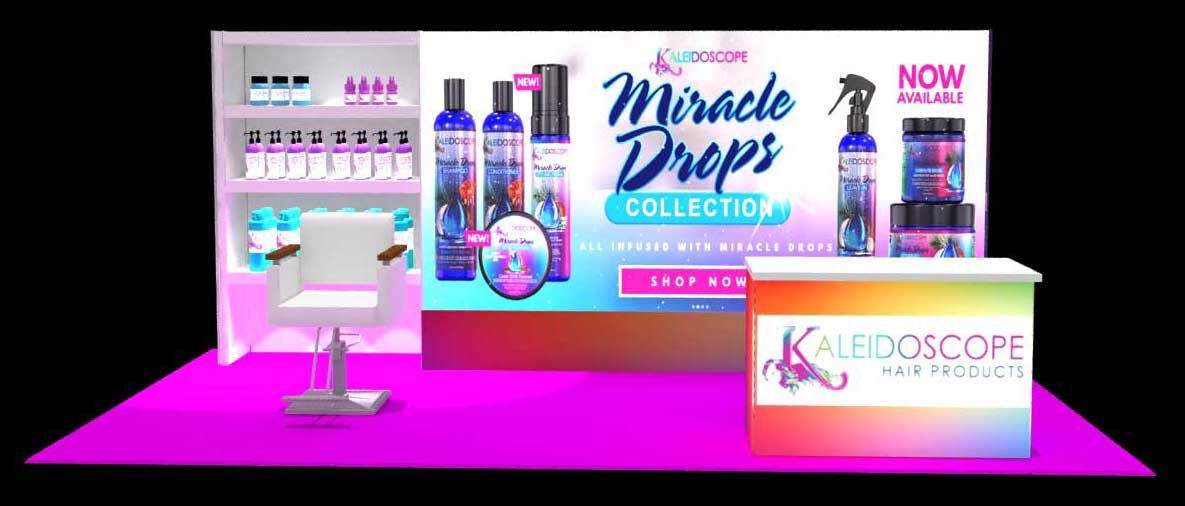
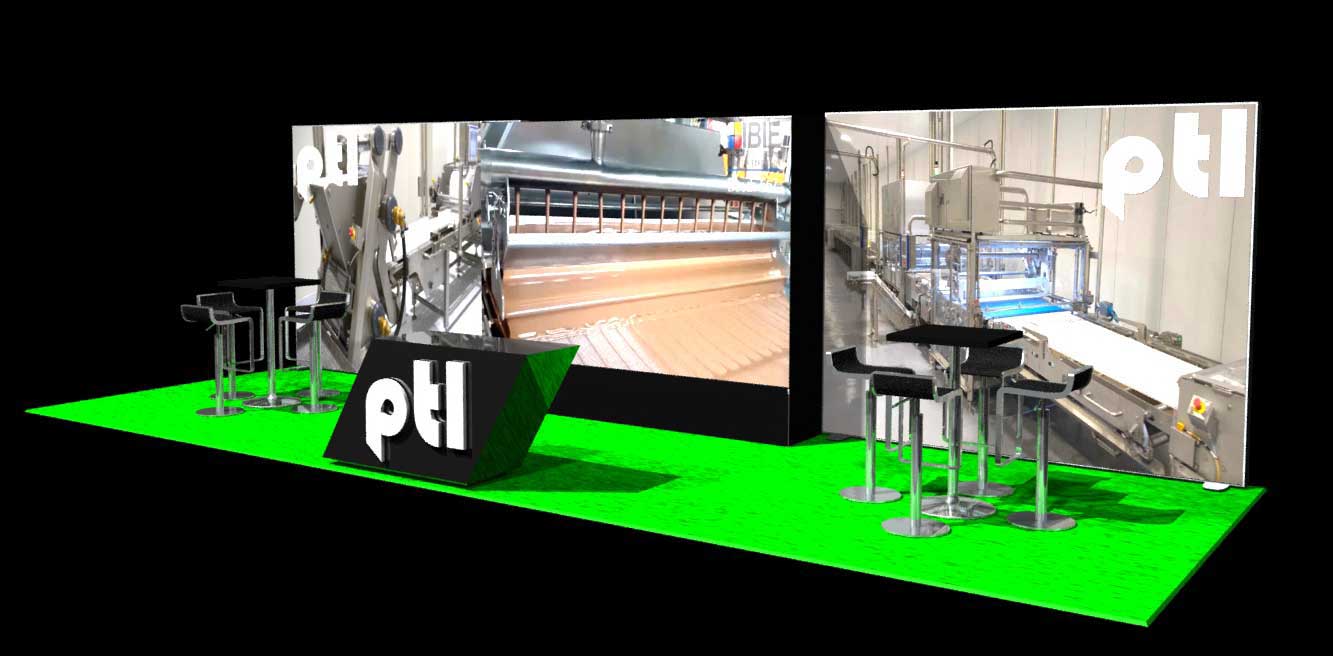
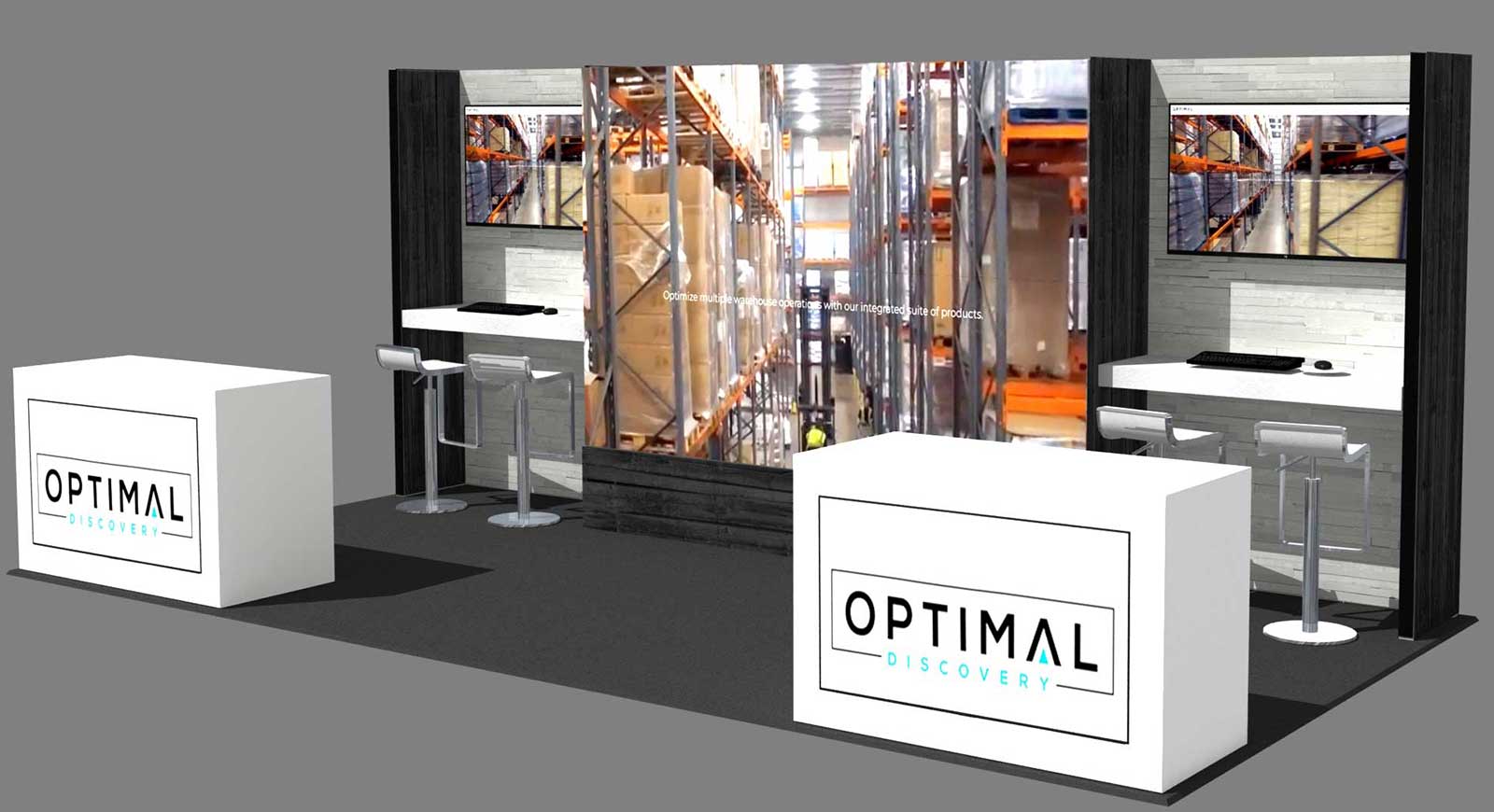
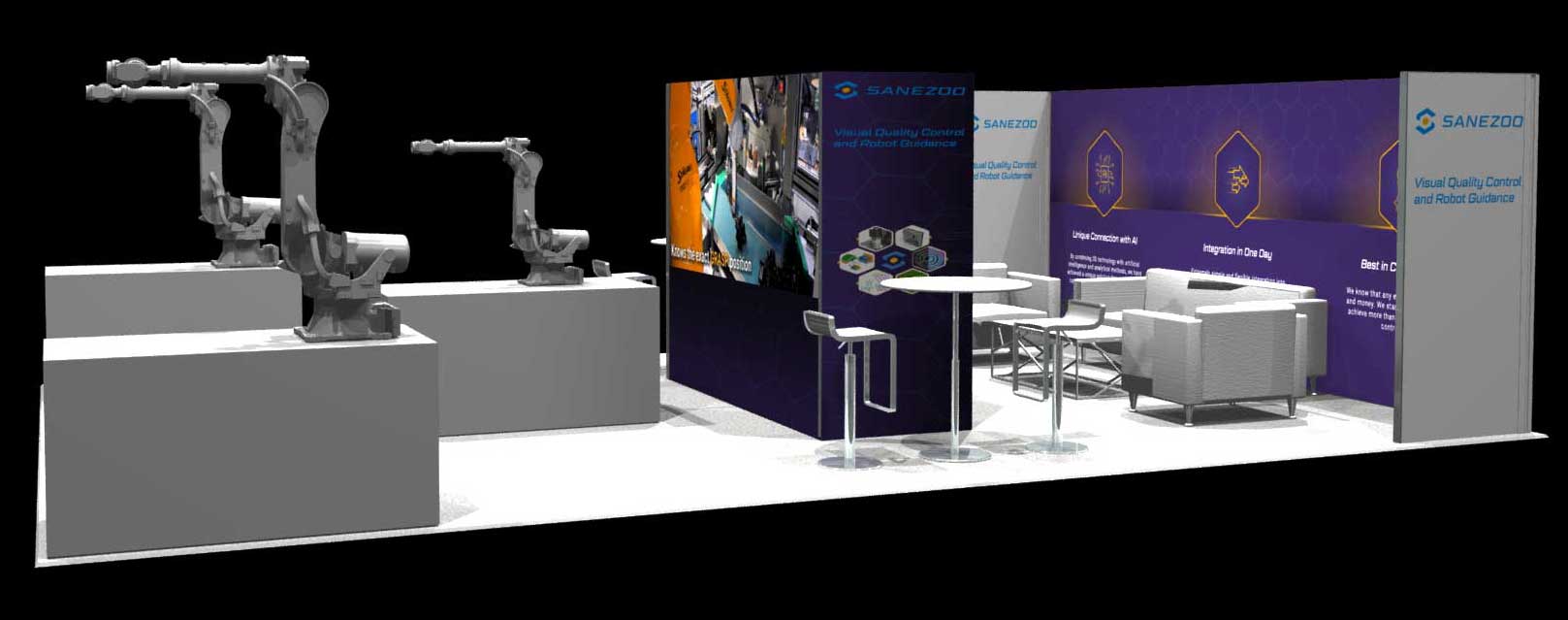
For content inspiration, teams planning motion assets often discover AI video solutions for creators when they need fresh ways to produce short-form booth visuals without dragging every update through a long studio process. And if you want to see how this technology changes actual booth layouts, review these video wall booth examples.
Seamless LED Tiles Versus Stacked Monitors
When many exhibitors say “video wall,” they still mean a cluster of televisions mounted together. That setup is familiar. It’s also the wrong approach for most trade show environments.
What stacked monitors get wrong
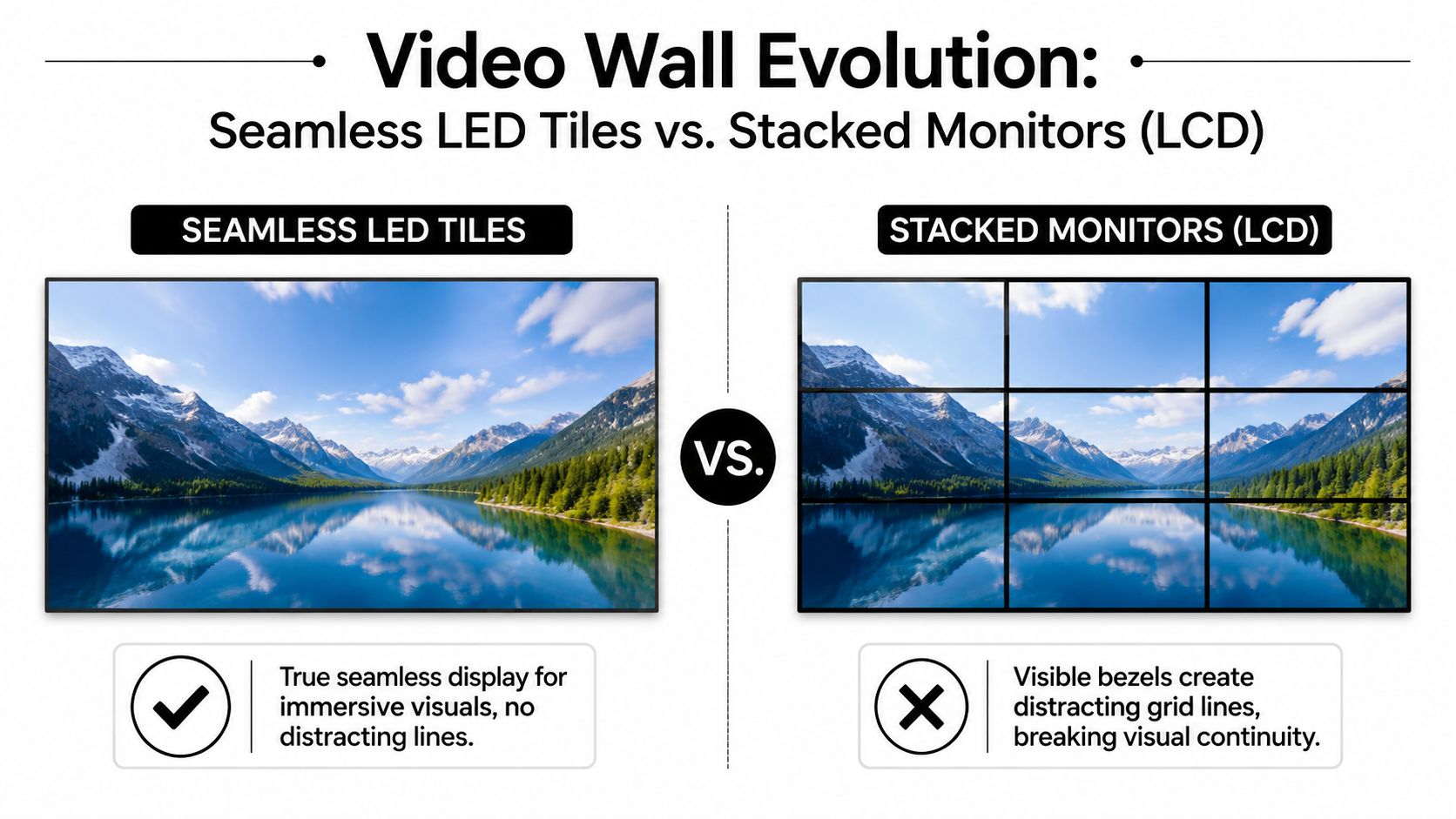
LCD monitor arrays have a basic problem. Every panel has a border. Put enough of them together and your video becomes a grid. Logos split. Faces break across lines. Product footage loses impact because the screen itself interrupts the story.
They also create a second set of problems behind the scenes:
- More structure: Monitor walls often need heavier support frameworks and more mounting hardware.
- More cable management: More screens usually means more signal paths, more power runs, and more failure points.
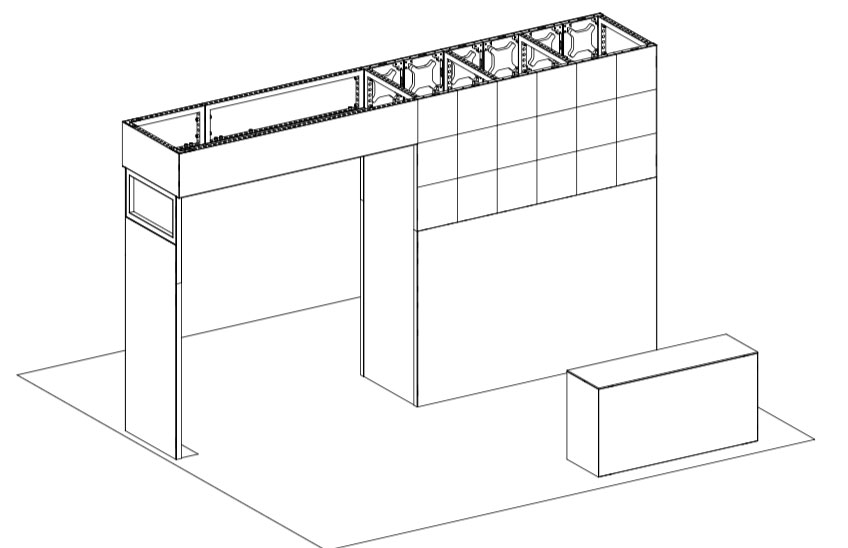
- Less design freedom: Flat rectangles are easy. Arches, columns, and integrated counters are not.
That old format can still work for certain budget installs or fixed environments. It’s just not what we recommend when the goal is a polished trade show presence.
Why seamless LED changes the booth
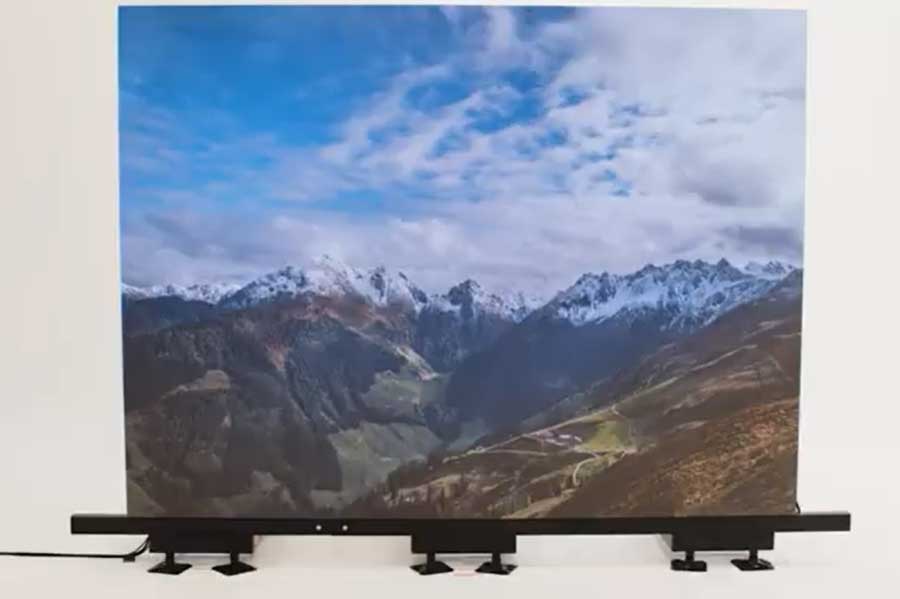
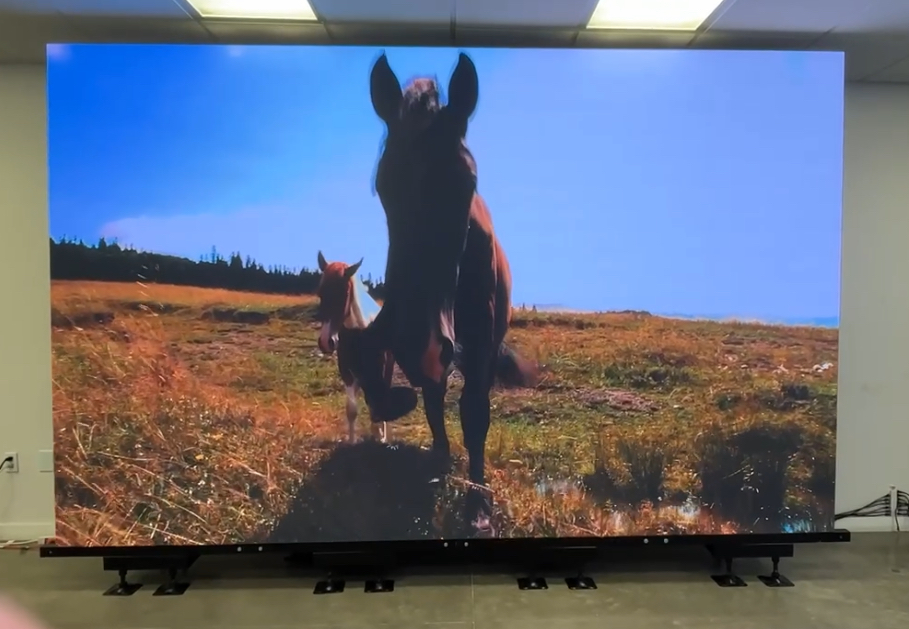
An LED tile system with nearly invisible joints gives you one continuous visual surface. No black lines cutting through your content. No patchwork feel. The booth looks intentional because the display and the structure are the same thing.
That has a direct effect on how people read your brand. A unified wall makes motion graphics look premium. Product videos feel larger. Simple content, even a clean loop with logo, color, and movement, has more authority when it isn’t fractured across screens.
Here’s the side-by-side difference that matters most:
| Approach | What attendees see | What your team deals with |
|---|---|---|
| Stacked monitors | Visible bezels, segmented content, conventional screen wall | More pieces, more hardware, more visual compromise |
| Seamless LED tiles | One uninterrupted canvas with clean motion and brand continuity | Cleaner build logic, more flexible shapes, a stronger finish |
If your content crosses panel seams and still looks whole, the booth feels expensive. If the content breaks into boxes, the booth feels improvised.
The real trade show test
The show floor doesn’t reward “close enough.” It rewards clarity and visual confidence. A display system should look good from across the aisle, from an angle, and at close range when someone walks up to ask a serious question. Unified LED does that better because it was built for scale, not borrowed from living room hardware.
Key Specs That Matter on the Show Floor
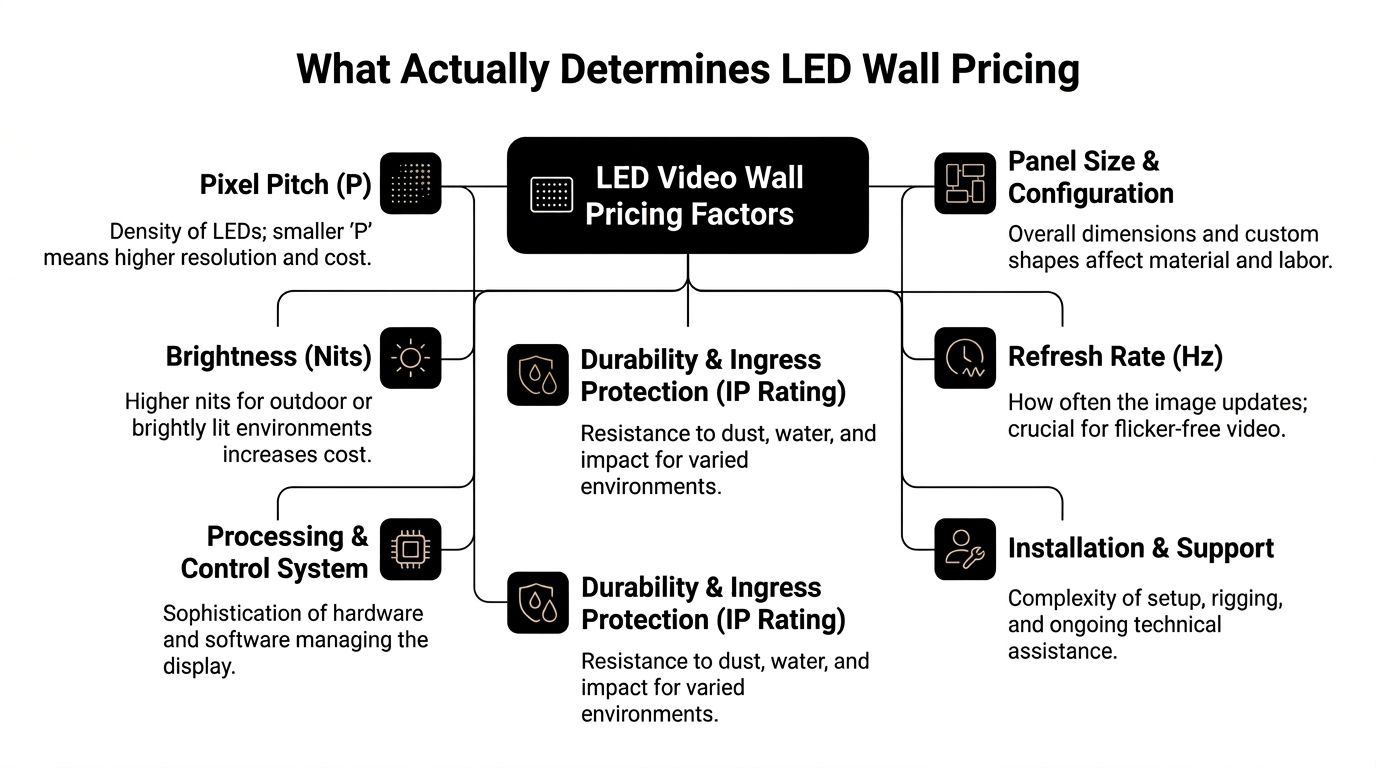
Specs matter when they change what attendees see and what you pay. Most spec sheets bury that point. We don’t.
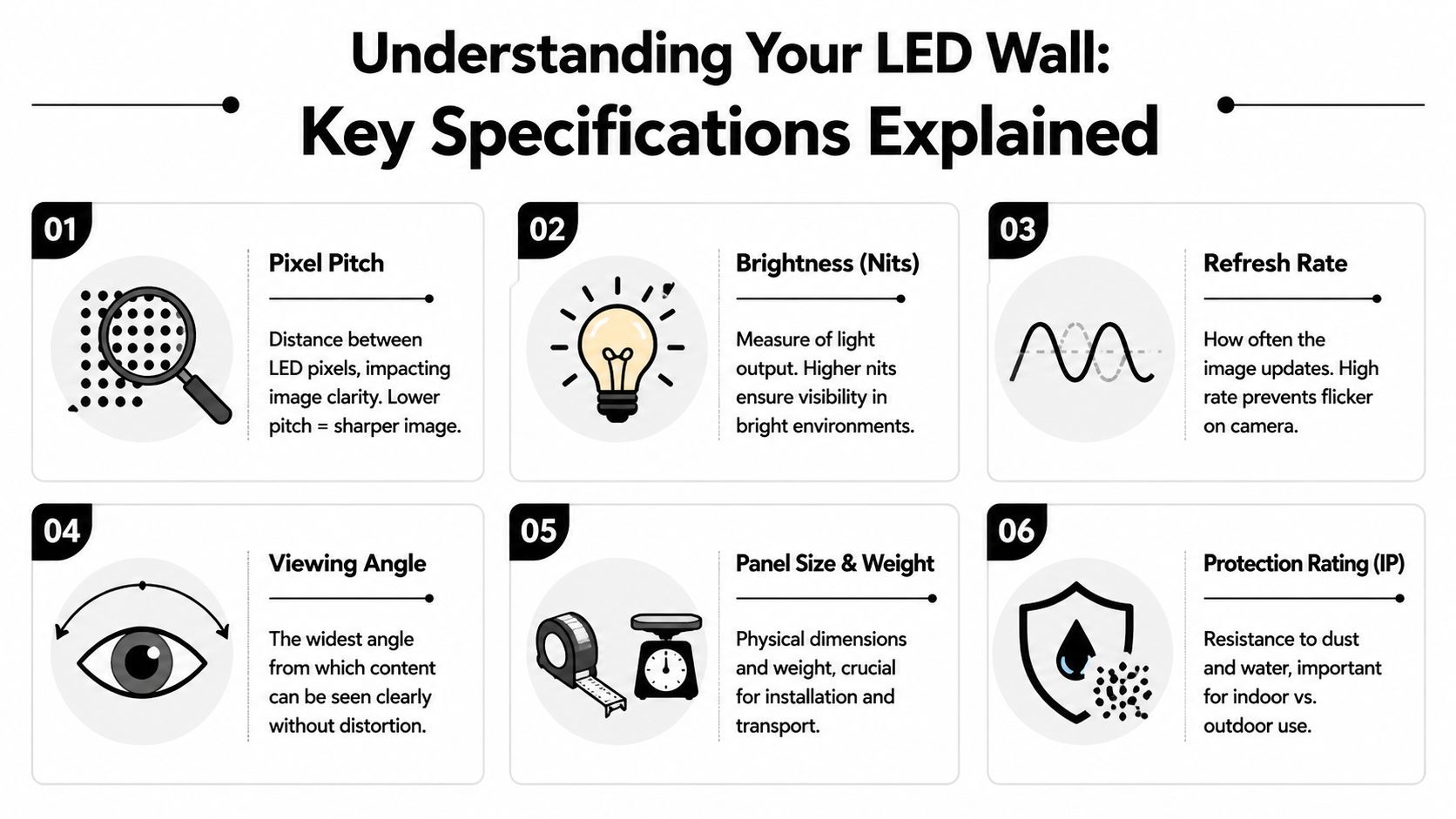
Pixel pitch decides whether your wall looks premium
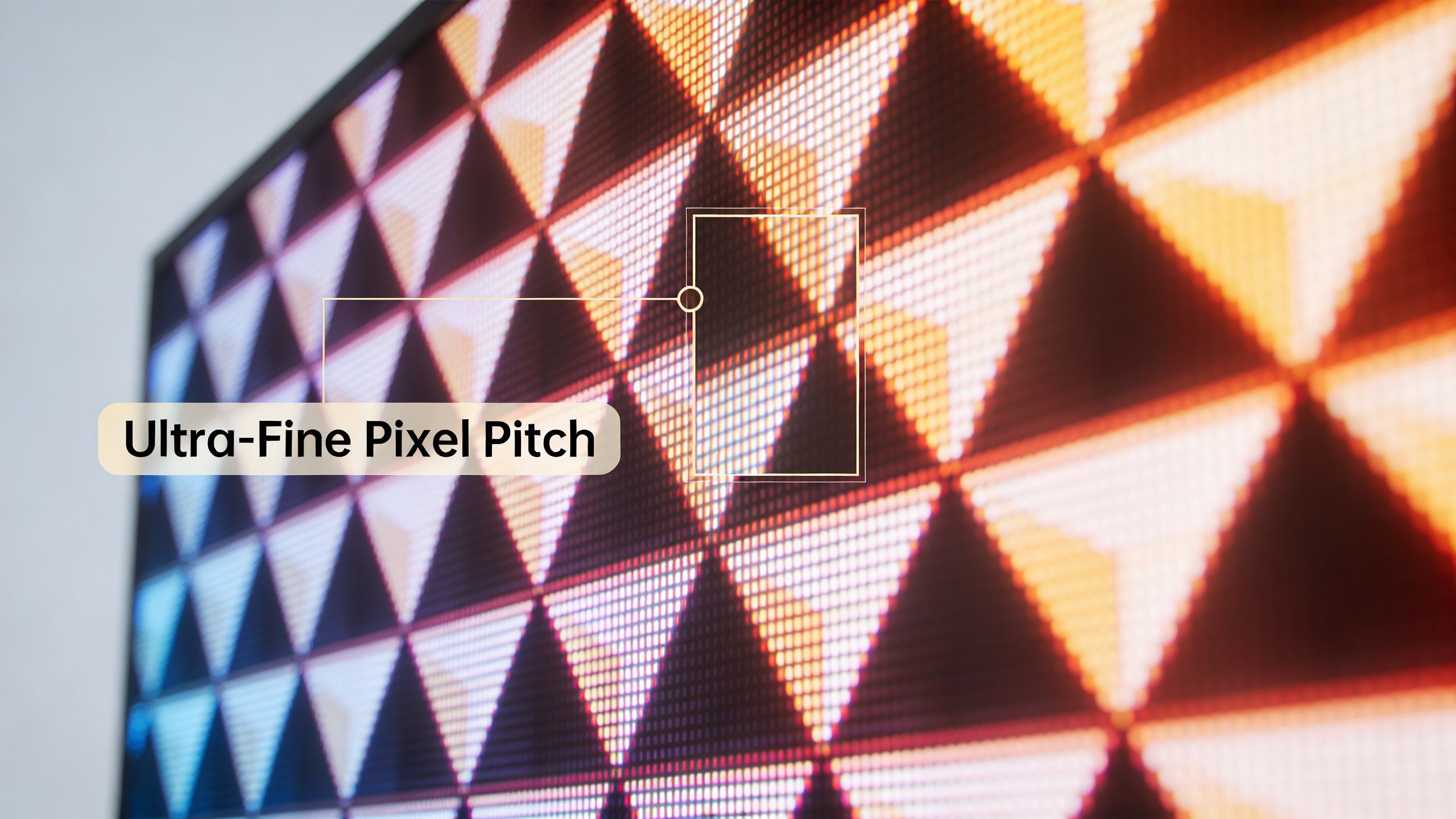
Pixel pitch is the distance between LED pixels. Smaller pitch means tighter spacing and a sharper image at closer viewing distances. That matters at trade shows because people rarely stand far away for long. They pass by, stop, step in, and often end up only a few feet from the wall.
According to American LED Wall’s direct-view video wall overview, a P1.5 display supports clear viewing from about 1.5 to 2 meters without visible pixelation, and fine-pitch direct-view LEDs of 1.99mm or below now dominate premium installations. That lines up with real booth behavior. People often view displays from close range.
We standardize on P1.9 while many competitors still push P2.5. The result is simple. Our walls deliver higher resolution and a cleaner image up close. Text holds together better. Product renders look more refined. Faces and motion graphics don’t break apart as easily when someone walks right up to the booth.
If you want to compare configurations, panel formats, and applications, review these LED wall panels.
Brightness is not optional in a convention hall
Trade show halls are bright, reflective spaces. Overhead lighting flattens weak displays fast. A wall that looked fine in a dark showroom can look washed out on site.
For indoor expo use, brightness needs to be selected for the environment, not for a brochure. We recommend treating brightness as a visibility tool, not a vanity number. If the image doesn’t hold color and contrast under event lighting, attendees won’t stop.
Weight affects budget more than most exhibitors realize
The third spec is the one too many buyers ignore until the invoice lands. Weight affects freight, handling, labor, and setup flexibility. Heavier systems usually create more operational friction.
A lighter tile-based system is easier to move, stage, and assemble. That reduces the chance of install mistakes and helps the crew work faster. It also supports booth designs that would be more painful with bulkier hardware.
Here’s the short version:
- Choose fine pitch for close viewing: Trade show traffic gets close, so image density matters.
- Choose enough brightness for venue lighting: You’re competing with glare, aisle traffic, and neighboring booths.
- Choose lighter hardware when possible: Lower weight supports easier logistics and a less expensive show program.
Decoding Trade Show Setup and Logistics
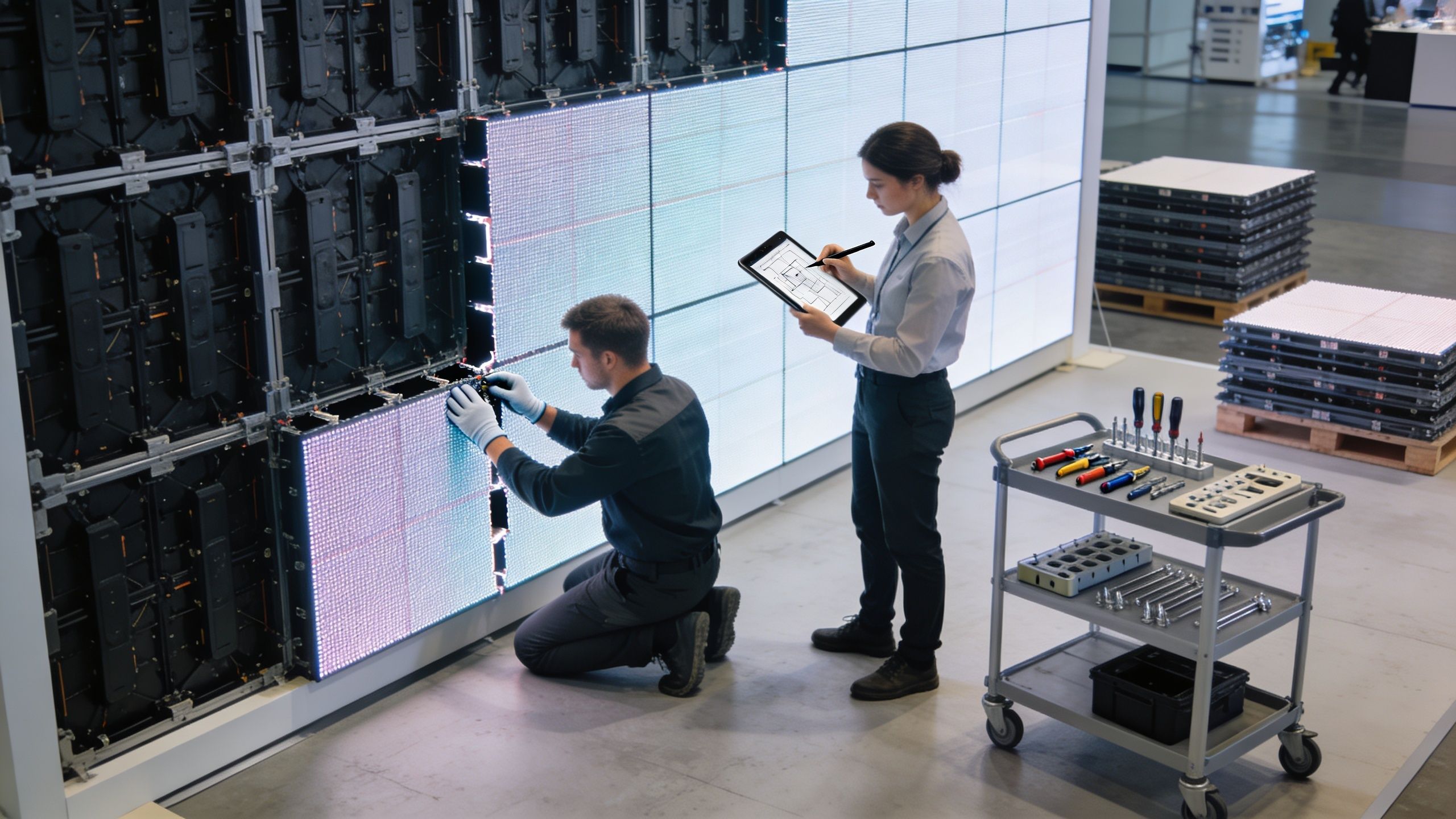
You are on the show floor at 7:30 a.m. Forklifts are still moving, labor windows are closing, and one missing bracket can stall the whole booth. That is why setup is not a side issue. It is part of the display system you are buying.
The real budget problem is usually behind the booth
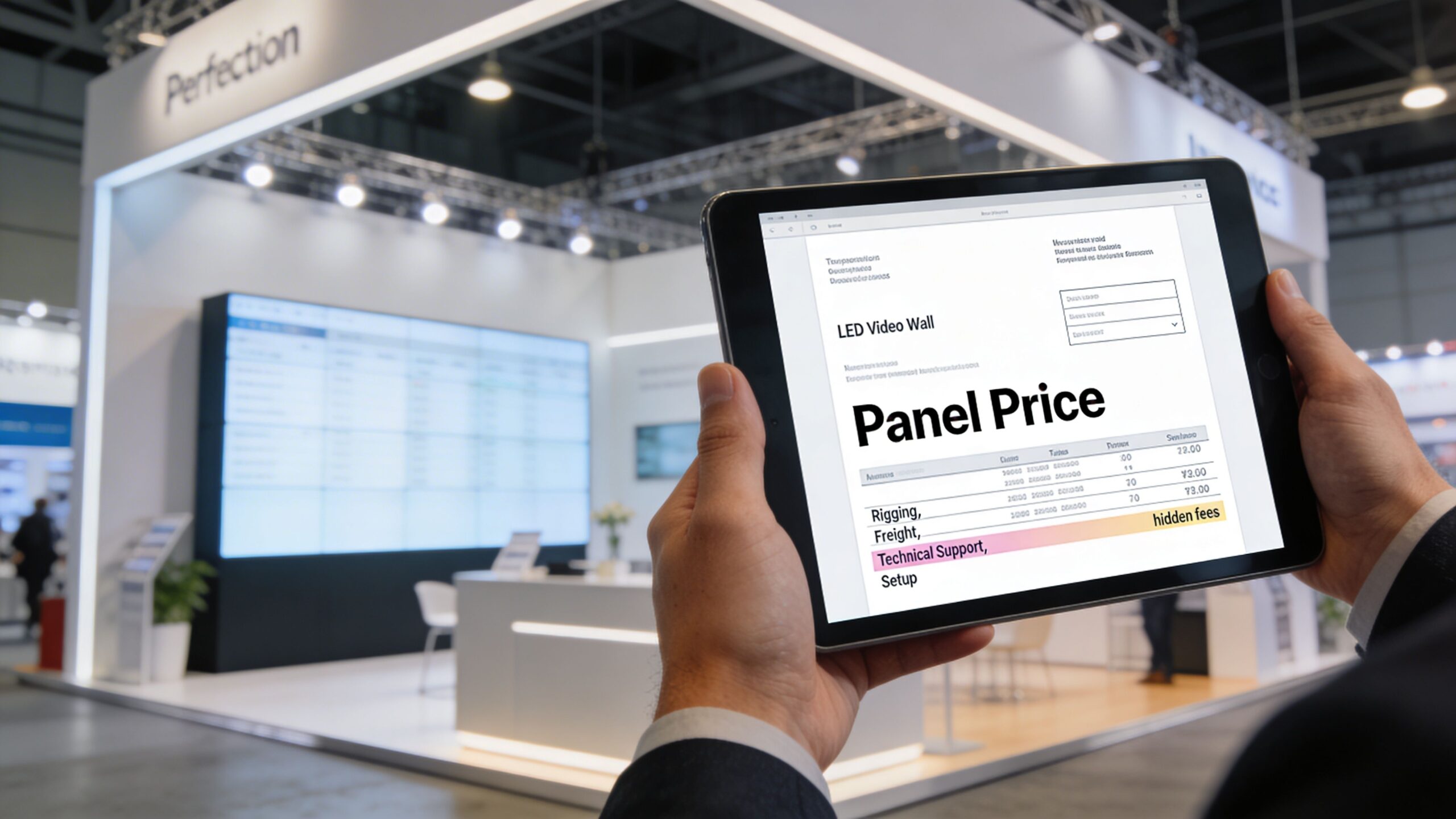
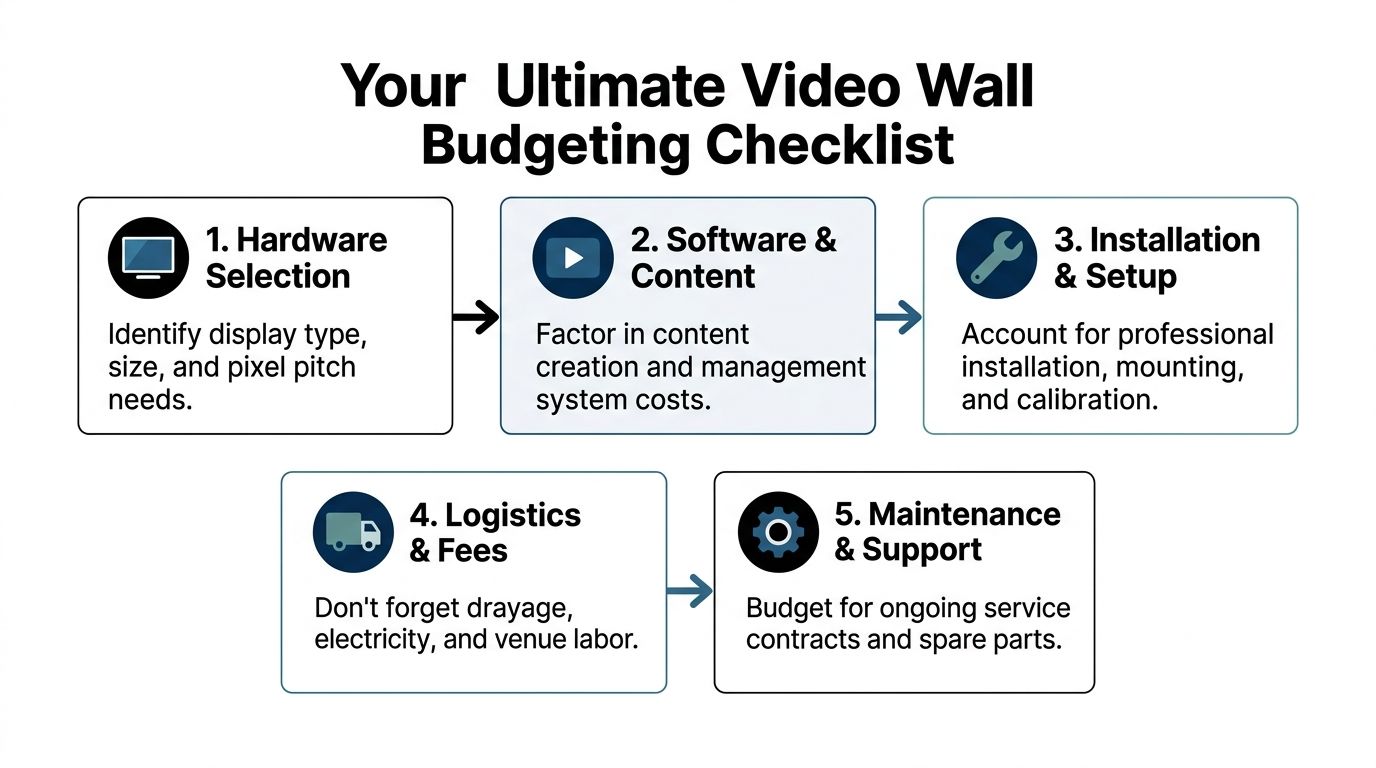
Renderings do not show drayage, crate count, union labor hours, storage, or the cost of a delayed install crew standing around. Those are the expenses that push a trade show program off budget. Older display methods create more of that friction because they usually require more pieces, more packing, more mounting hardware, and more points of failure.
According to Smart LED’s video wall display guidance, efficient LED systems can reduce power demand and help control electricity costs billed by the venue. That matters, but the bigger savings often come from operations. Lighter, modular LED systems are easier to ship, easier to stage, and easier to install correctly on the first try. We recommend judging a display video wall by total cost of ownership, not just the screen price.
The venue will still charge for show services such as material handling and electrical service. You cannot remove those line items. You can send less hardware, reduce labor complexity, and avoid the chain reaction that starts when one late component holds up the entire booth.
Easier installs mean fewer expensive mistakes
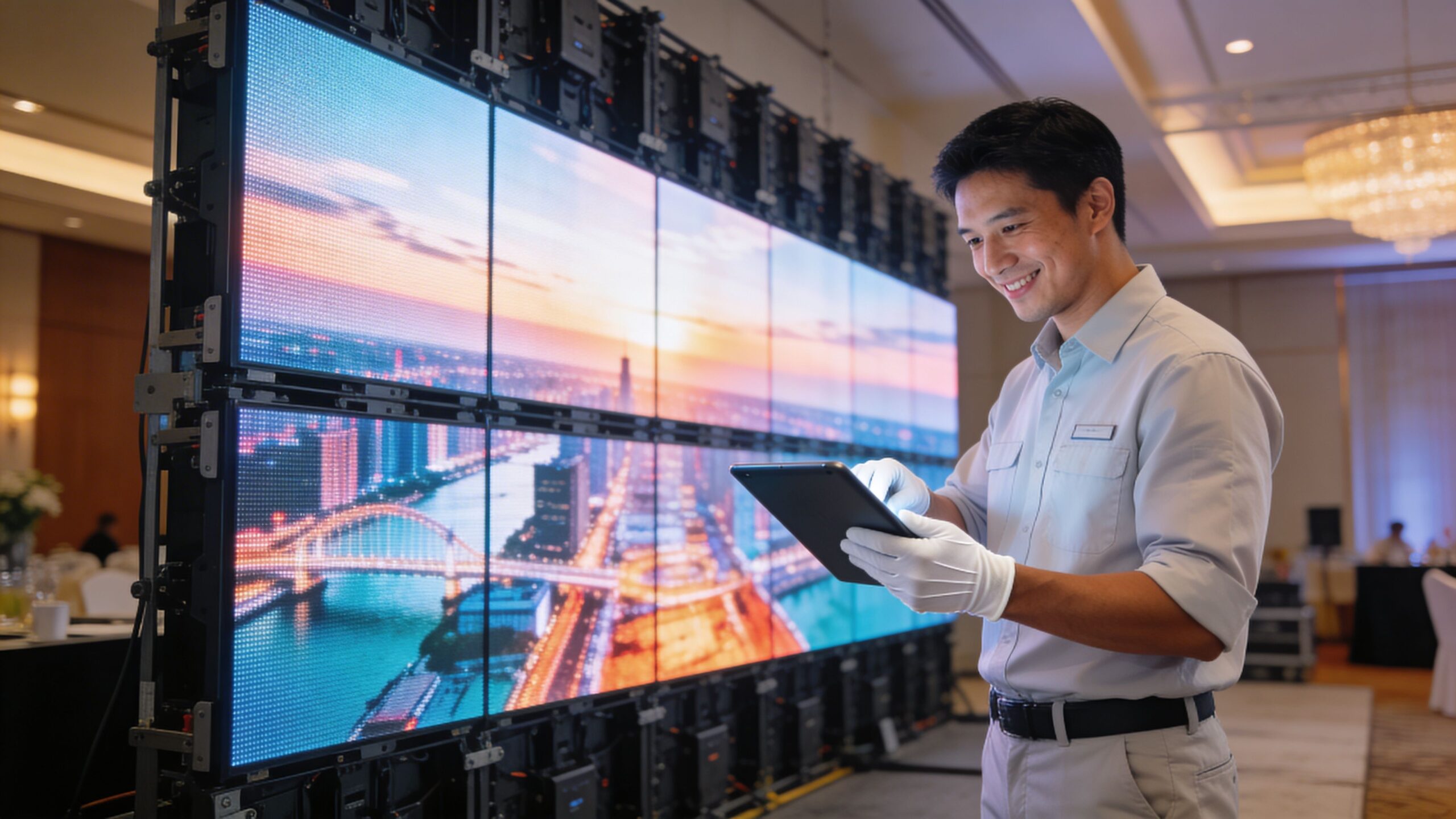
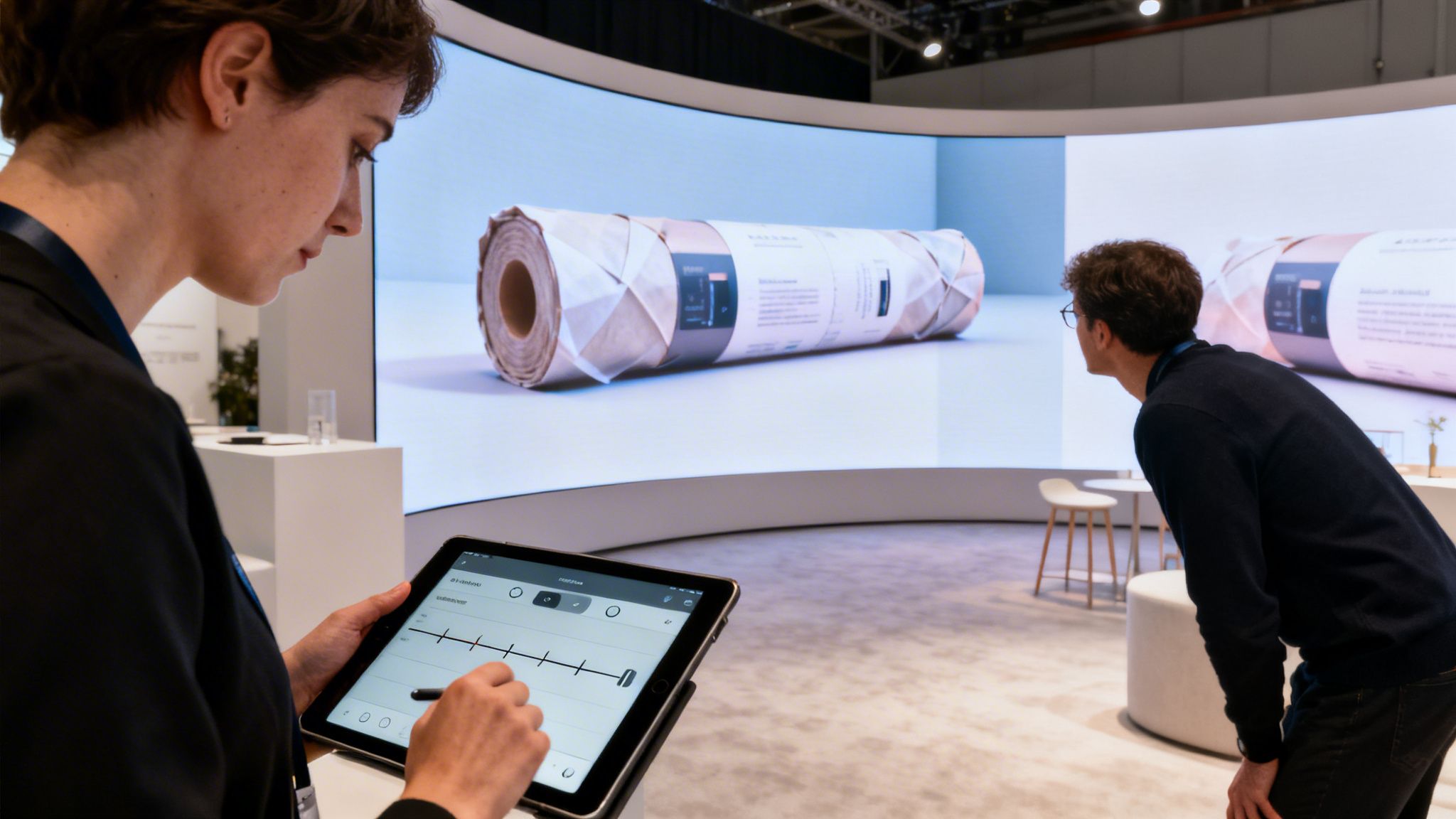
A well-designed LED wall reduces stress because the install process is simpler. Fewer brackets. Fewer alignment issues. Fewer fragile monitor connections. Your crew spends less time fixing the structure and more time checking content, signal flow, and final presentation before attendees arrive.
That matters even more at large venues and international events, where schedules are tighter and support teams are spread thin. If you are planning an overseas exhibition, practical prep such as how to navigate the Canton Fair helps your team avoid wasted time once you arrive.
If you want to compare labor requirements, mounting methods, and support scope, review these LED video wall installation details before you commit.
A lower-stress installation plan usually includes:
- Preconfigured components: Tiles, processors, and support parts are packed for the exact booth layout.
- Fast assembly: Crews secure panels quickly instead of wrestling with stacked monitor mounts and extra framing.
- On-site testing: Content, signal routing, and alignment are verified before the hall opens.
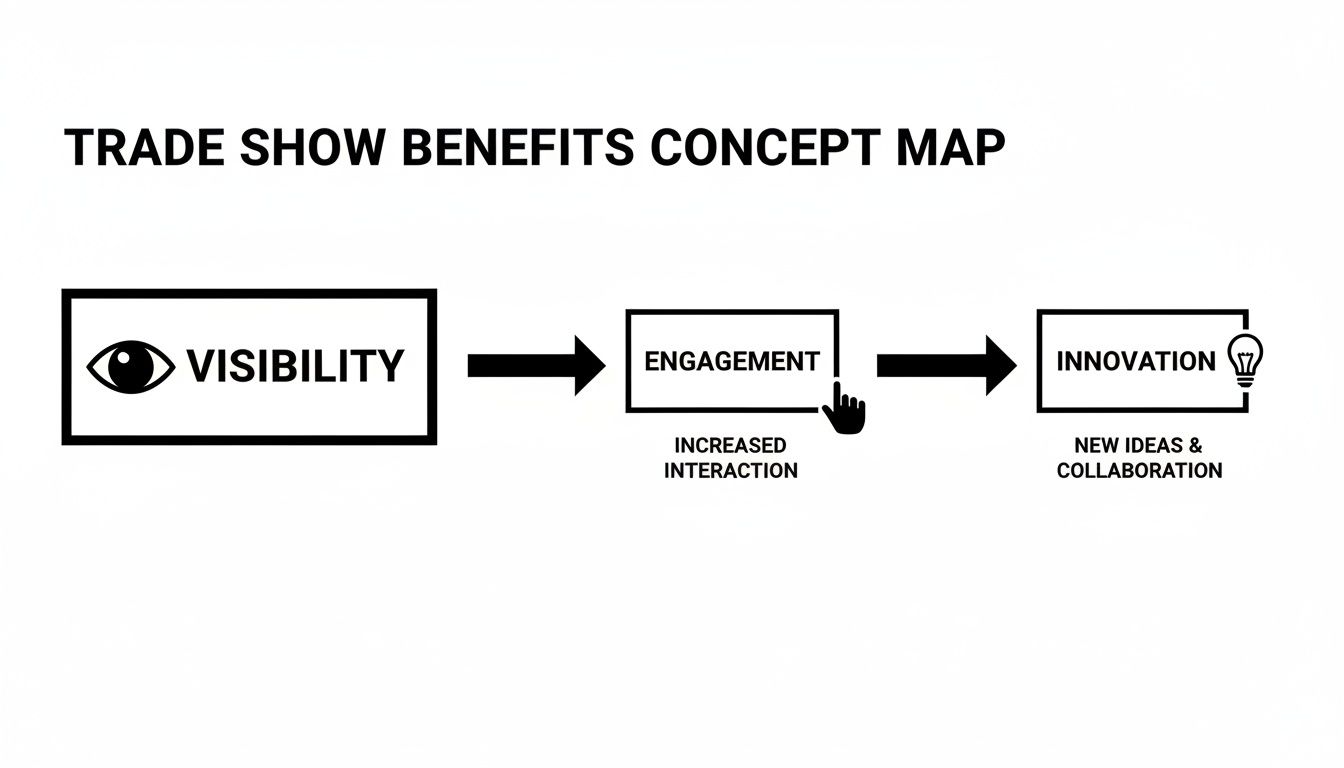
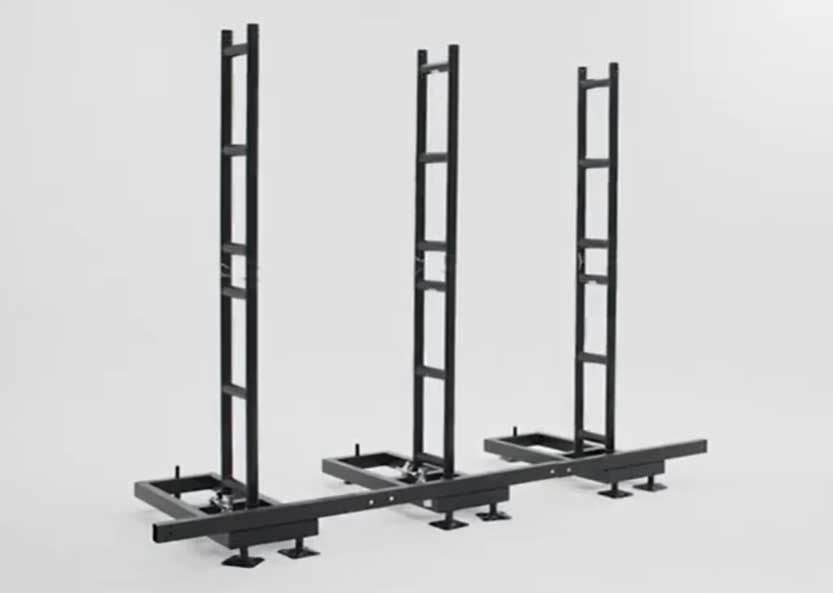
Later in the process, the operational side becomes easier to visualize:
The exhibitor who spends less time solving setup problems gets more time selling.
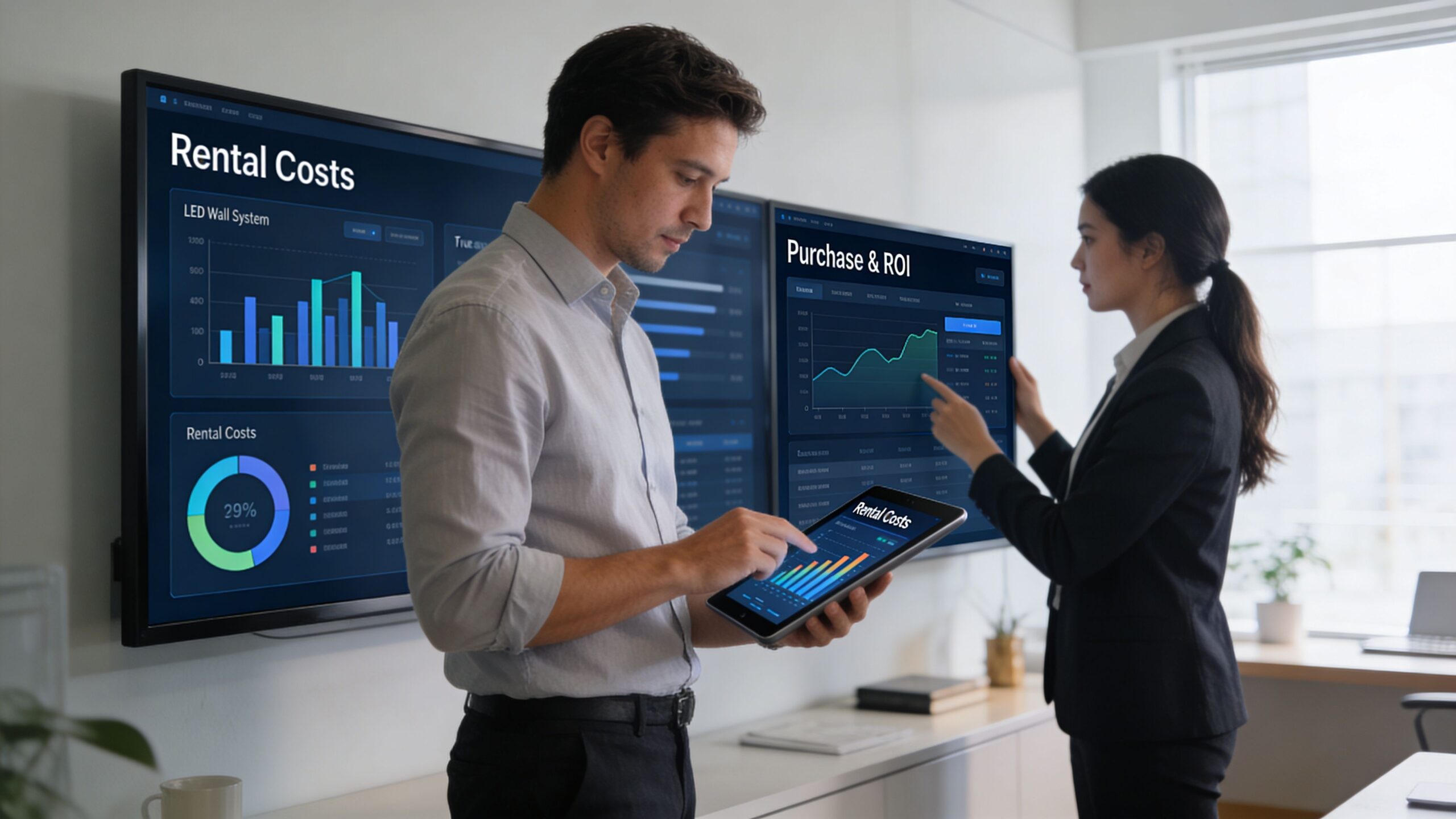
Renting Versus Purchasing Your Display Video Wall
Buying sounds efficient until you account for everything that comes with ownership. Storage. transport. maintenance. repair coordination. technology aging. show-to-show variability. Those costs don’t disappear because the hardware sits on your balance sheet.
For many exhibitors, renting is the cleaner decision.
When ownership makes sense
If you exhibit constantly, use a repeatable footprint, and have the internal staff or agency support to manage logistics, ownership can work. It gives you asset control and consistency. It can also make sense when your team wants a fixed system for repeated launches or roadshow use.
But buying only pays off when your organization is equipped to operate like an equipment manager. Many aren’t, and they shouldn’t have to be.
Why renting fits most trade show programs better
According to AVNetwork’s look at advanced LED video wall rental trends, an emerging shift since mid-2025 points toward rentable systems, and 2026 data shows 70% of mid-sized firms prefer rentals to avoid a $50K+ capital expenditure, while turnkey rentals can cut total exhibiting costs by 30% to 40% through integrated logistics and scalability. That’s a strong signal. Companies are deciding that flexibility and operational simplicity matter more than owning hardware.
Renting also keeps you closer to current technology. You’re not locked into an aging display while competitors show up with finer pitch, lighter panels, and cleaner integration. You can match the booth to the event instead of forcing every event into the same physical kit.
For a deeper side-by-side breakdown, review this guide to owning vs renting an LED video wall.
Here’s the practical filter we use:
| If your situation looks like this | The better path is usually |
|---|---|
| A few major shows, varying booth sizes, limited internal technical staff | Renting |
| Frequent repeat use, standardized footprint, dedicated operations support | Purchasing |
| Need predictable execution without maintenance headaches | Renting |
| Comfortable managing storage, service, and lifecycle planning | Purchasing |
The mistake is buying because it feels more permanent. Permanence isn’t the goal. Useful, reliable execution is.
Beyond Technology How to Tell a Compelling Story
A great display video wall with weak content is still a weak booth. The wall gets attention for a moment. The story is what keeps people there.
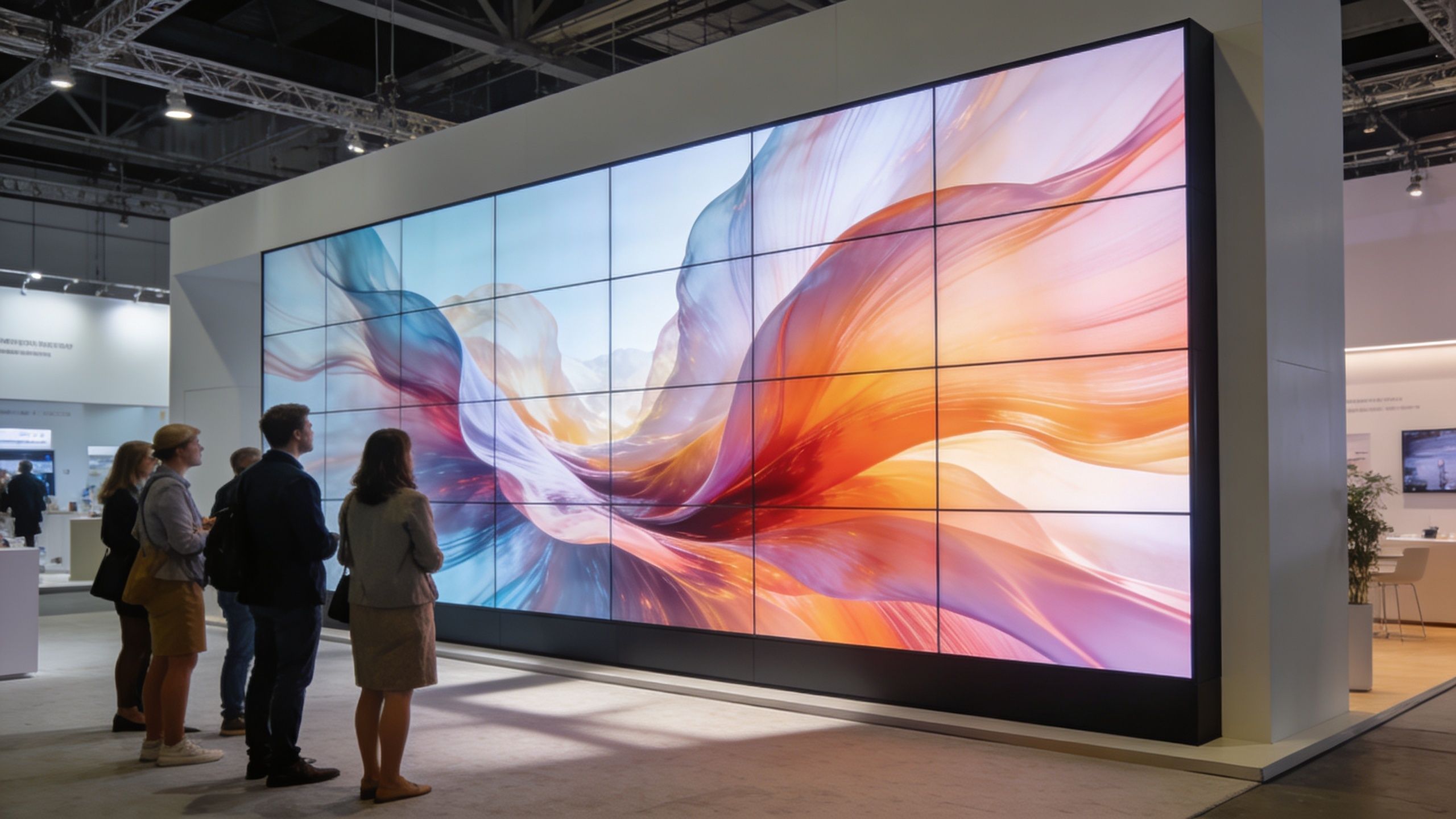
The booth should feel like a branded environment
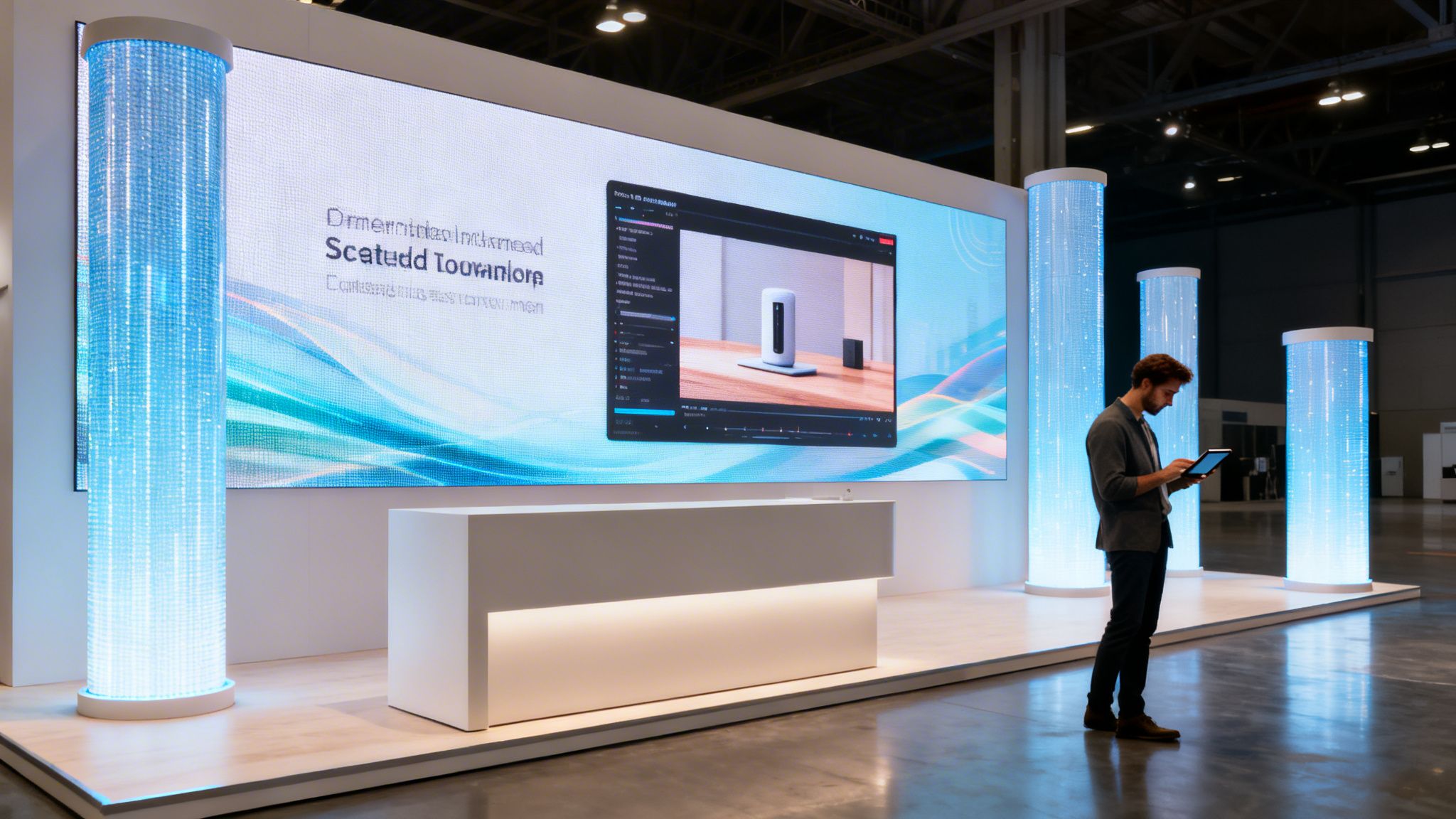
Too many exhibitors load one corporate video, hit loop, and call it done. That wastes the medium. A continuous digital surface lets you create rhythm. You can run ambient motion when traffic is flowing, shift to product footage during demos, and simplify the screen when a salesperson needs focus for conversation.
That’s why structure matters. One large visual can stop people in the aisle. Then the content should help them understand what you sell in seconds, not minutes.
A useful creative mix often includes:
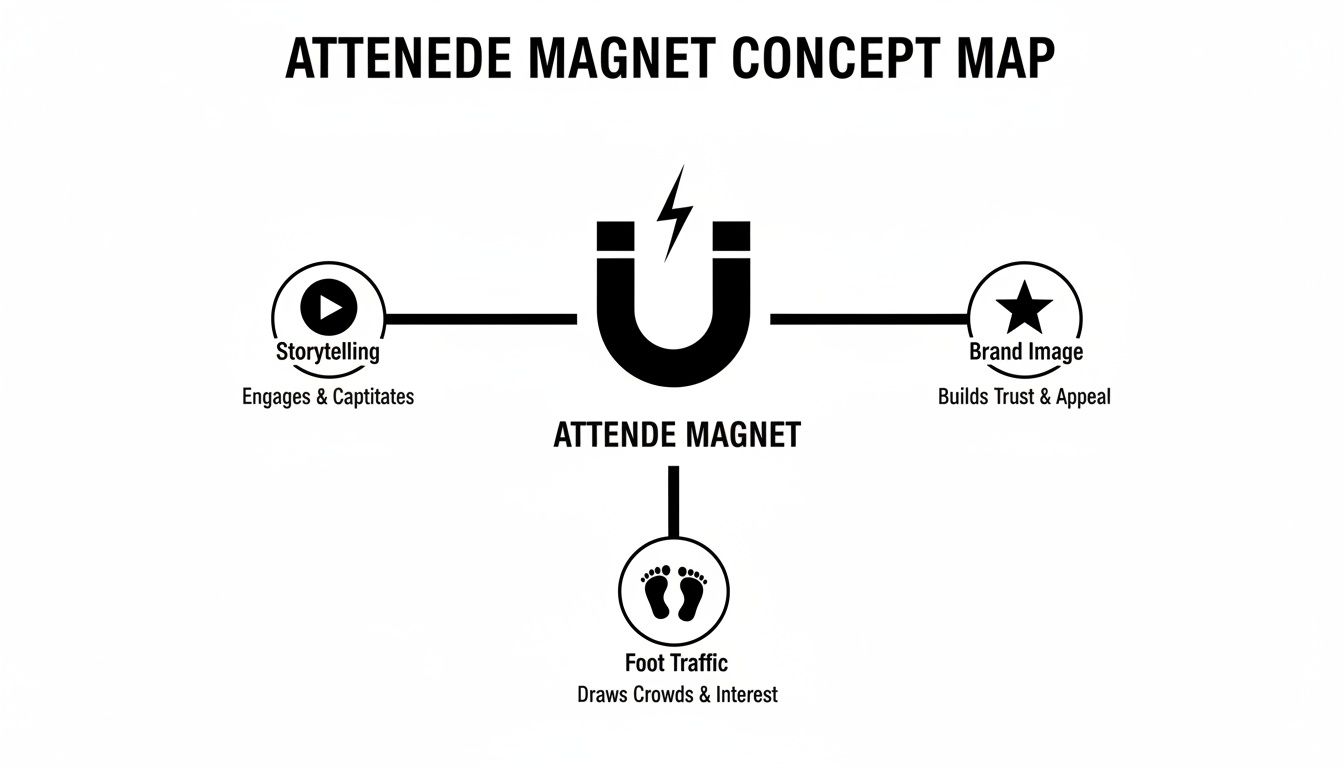
- Motion-led attract loops: Fast, bold visuals that pull eyes from a distance.
- Product proof segments: Clear demonstrations, features, or application shots.
- Support zones: Secondary areas for logos, messaging, or directional prompts.
For teams refining booth graphics and on-screen composition, this piece on enhancing exhibits with effective visuals offers helpful design perspective.
Shape changes the story
Most exhibitors default to flat walls because they’re familiar. That’s fine if the content is strong and the booth is tight. But there are times when the physical shape of the display does part of the storytelling for you.
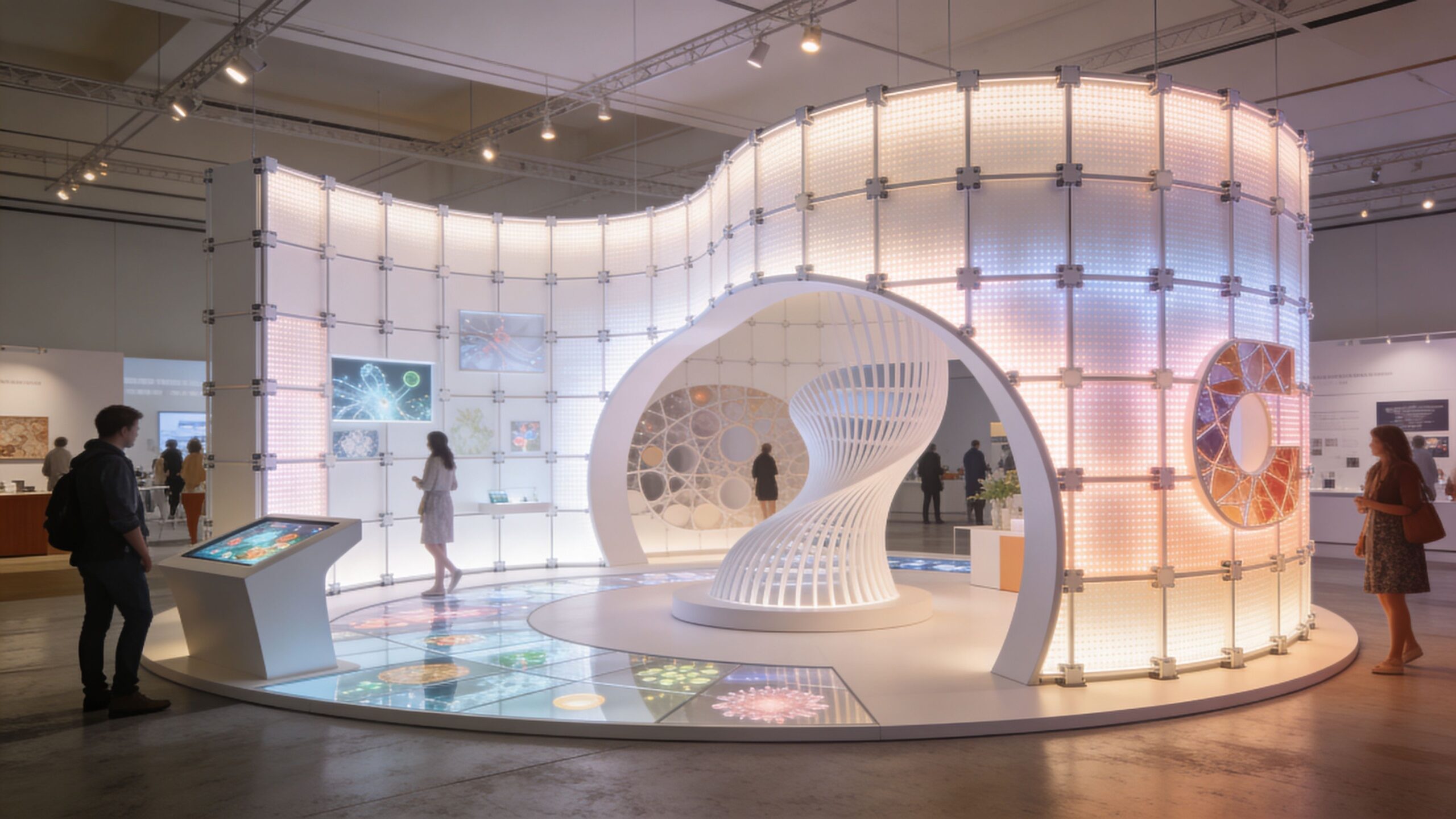
According to Azar Pixel’s discussion of video wall viewing angles, creative configurations such as curved arches can boost attendee engagement by up to 25% because they pull content into peripheral vision and create a more immersive experience. That’s a useful reminder that storytelling is not just about the media file. It’s also about how people encounter the display in space.
Curved formats work when the content is designed for them. Don’t bend the wall and then run flat, lifeless slides.
For exhibitors developing motion content specifically for trade show surfaces, these video wall video production considerations can help avoid the usual mistakes.
Our Turnkey Solution The End of Exhibitor Headaches
Trade show failure rarely starts with the screen. It starts at 7:00 a.m. on install day, when freight is delayed, labor is waiting, the content is not mapped correctly, and your team is stuck calling three different vendors while show costs keep rising.
We built our service around preventing that mess.
A display video wall should do more than look impressive. It should reduce the number of people you need to manage, cut avoidable labor mistakes, and keep your staff focused on selling instead of troubleshooting. That is what lowers total cost of ownership in practice.
What we include and what the show bills directly
Our pricing is straightforward. We include the parts that usually create stress and cost overruns. The show bills you directly for venue-controlled charges such as electricity and material handling.
Everything else sits under one scope with us, so your team is not chasing separate freight contacts, labor crews, install supervisors, and AV support.
Your quote typically includes:
- Shipping and transport coordination: We manage delivery timing and movement so the booth arrives where it needs to be.
- Setup and dismantle: Installation and teardown are handled as part of the service.
- White-glove execution: We manage the details on site so your team can stay focused on meetings and lead generation.
That structure matters. Fragmented vendors create expensive gaps. One missed handoff can trigger overtime labor, delayed opening, or a booth that looks unfinished when attendees first walk in.
The support model matters as much as the wall
Hardware is only half the job. Show-floor support is what protects your investment.
We keep an audiovisual technician on site for all show hours. If playback fails, a processor needs adjustment, or a signal issue appears, your team does not waste time hunting for help. You call or text, and the technician comes to the booth and fixes it.
That saves more than frustration. It protects traffic, prevents lost conversations, and keeps your staff out of problem-solving mode during the busiest hours of the event.
Low upfront pricing often looks attractive until something goes wrong. Then the hidden costs show up fast. Extra labor time, delayed fixes, distracted booth staff, and missed attendee engagement are all part of the actual bill.
LED Exhibit Booths is one option to evaluate if you want integrated LED structures, logistics, setup, and on-site support under one scope.
The right display video wall attracts attention, cuts operational drag, and makes show day easier for your team. If it only looks good in a rendering, it is not doing enough.