
Large touchscreen display choices can make or break your booth when the hall opens and every aisle is crowded with motion, noise, and brands fighting for the same few seconds of attention. We’ve seen the pattern over and over. A company invests in graphics, ships product, trains staff, and still ends up with a booth that looks static next to brighter, smarter, more interactive exhibits.
The problem usually isn’t effort. It’s the display decision.
A booth display isn’t just AV gear. It’s your storefront, your demo station, your brand signal, and in many cases your first salesperson. If it looks dated, has visible seams, washes out under show lighting, or fails when people start touching it, attendees move on fast. If it pulls them in, gives them something to do, and supports your team instead of distracting them, you win more conversations.
Why Your Booth Needs More Than Just a Sign
A printed backdrop still has a role. It gives your booth structure and branding. It does not stop traffic on its own.
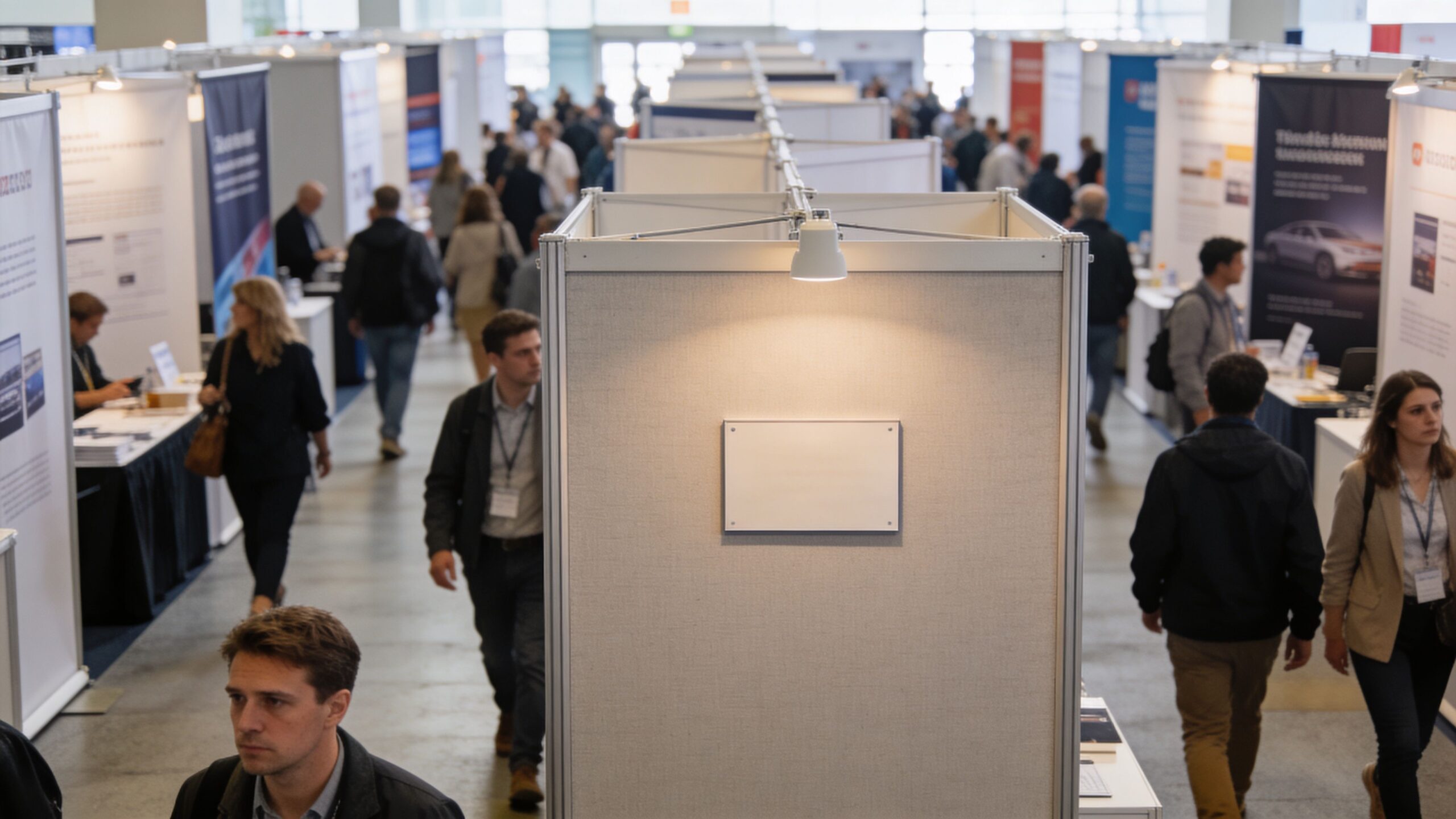
At a busy show, attendees scan fast. They look for movement, clarity, and a reason to step in. A static message gets absorbed in a second. A large touchscreen display or dynamic visual surface gives people a reason to pause, explore, and interact.
What attendees actually respond to
Most exhibitors don’t lose attention because their product is weak. They lose it because their booth doesn’t communicate fast enough. A moving product loop, an interactive configurator, or a touch-driven demo tells your story without waiting for a rep to start the conversation.
That’s why interactive exhibit strategy matters. If you want ideas beyond hardware, PSW Events’ interactive solutions is a useful reference for how brands turn passive spaces into active experiences.
A display also changes how your team works. Instead of repeating the same top-level explanation all day, your booth can show it. Your staff then spends more time qualifying buyers and less time reciting an elevator pitch.
Practical rule: If your booth display can’t explain your value from the aisle, your staff is doing too much lifting.
Signage informs. Interactive displays engage. Large Touchscreen Displays Keep Them Involved
There’s a big difference between being visible and being memorable. A sign helps people identify you. A large-format digital surface helps them experience you.
That’s why many exhibitors move beyond traditional graphics and start comparing digital formats. If you’re evaluating display-driven booth design, digital signage for trade shows is the right starting point.
The exhibitors who stand out usually make one smart shift. They stop treating the booth wall as decoration and start treating it as media.
The Big Screen Showdown Large Touchscreen Display vs Seamless LED Wall
You are on day one of the show. Freight is late, install hours are tight, and the booth has to pull people in before your team says a word. That is why the critical decision is not screen size. It is choosing a display format that fits trade show logistics, booth design, and live audience behavior.
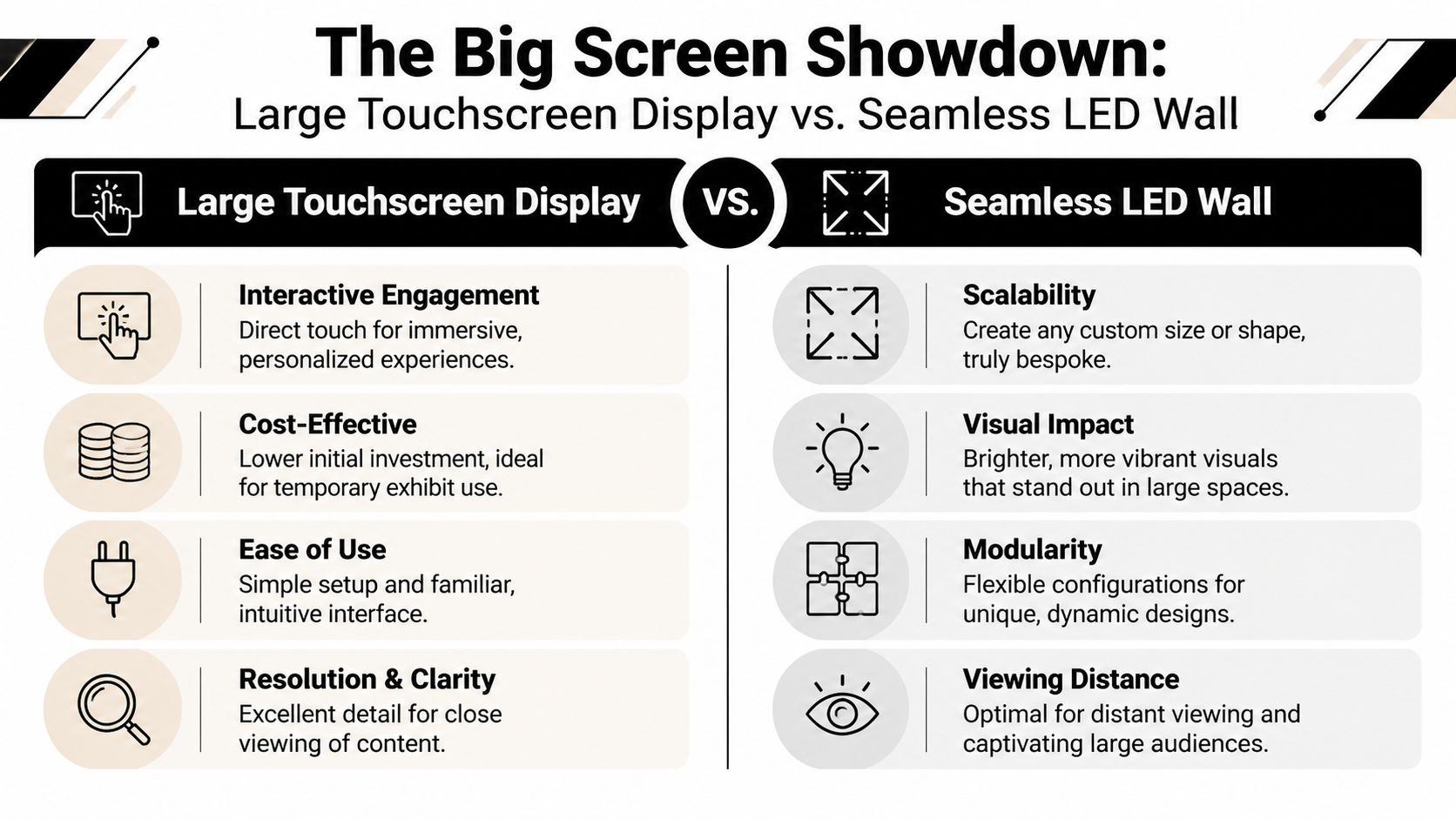
A traditional large touchscreen display and a continuous LED wall serve different jobs on the floor. A touchscreen gives you a defined interaction point. A unified LED wall turns more of the booth into active media and gives you far more flexibility during design, setup, and on-site changes.
Where traditional large touchscreen displays works well
Choose a standard large touchscreen display when you need close-range interaction and a clear user path.
It works well for product selectors, guided demos, lead forms, and one-on-one selling conversations. People understand it fast because the format is familiar. Your team can place it in a kiosk, a meeting area, or a demo counter without redesigning the whole booth around it.
It also keeps execution simple. If your plan calls for one screen, one message path, and one staff-led interaction zone, a touchscreen is often the right tool.
Where it starts to fall short
Trade shows expose the limits of fixed hardware quickly. A large touchscreen has a set size, a visible frame, and a physical footprint that can be hard to hide in a tighter booth.
The problem gets bigger when exhibitors try to create a large visual statement by grouping multiple flat panels. Bezels break up the image. Content loses impact. The booth starts to feel pieced together, which is the opposite of what you want at a premium event.
Setup is another difference buyers miss. Standard touchscreens are easy to understand, but they do not give you much design freedom once the booth layout changes. If aisle traffic favors one side, if a product pedestal moves, or if the structure needs to do more visual work from a distance, the screen stays exactly what it is.
If people notice the hardware before the message, the display choice is costing you attention.
Why continuous LED walls win in exhibit environments
A continuous LED wall gives you more control where trade shows are least forgiving. You can build it into back walls, curves, towers, counters, and custom structures without forcing the booth to conform to a single framed screen.
That matters during planning, install, and show hours. We can design the display into the exhibit from the start, reduce the visual clutter of separate devices, and create a cleaner result from every aisle angle. If your team needs booth-scale media that feels integrated instead of added on later, review our video display wall solutions.
It also solves a practical booth problem. One larger visual surface carries branding, motion, and product storytelling across the structure, so the booth works harder even when staff are tied up with other visitors. That is a better fit for busy show floors where you have only a few seconds to get noticed.
Large Touchscreen Displays vs. Continuous LED Video Wall for Trade Shows
| Feature | Traditional Large Touchscreen | Continuous LED Video Wall (Our Solution) |
|---|---|---|
| Interaction style | Direct touch on a single panel | Can support booth-scale interactive experiences |
| Visual continuity | Framed screen with edges | Unified visual canvas |
| Booth fit | Fixed rectangular format | Custom shapes and integrated structures |
| Viewing strength | Best for close-up engagement | Strong for both close and farther viewing |
| Expansion | Limited by panel size | Modular and scalable |
| Overall impression | Functional demo station | Immersive branded environment |
My recommendation
Use a traditional large touchscreen when you need a focused demo station and direct user input at arm’s length.
Choose a continuous LED wall when the booth itself needs to attract, explain, and sell. For most exhibitors, that is the stronger move. You get more design freedom, stronger aisle presence, and a display system that fits the realities of trade shows instead of fighting them.
Decoding the Tech Specs for Your Large Touchscreen Display
You are on day one of the show. The booth is built, the lights are brutal, and your display has two jobs. It needs to pull people in from the aisle, then hold up when they step in close. That is why spec sheets matter. The wrong specs create expensive disappointment on a trade show floor.
For a large touchscreen display, we tell clients to judge four things first. Resolution, brightness, touch performance, and viewing distance. If you are also comparing that screen to an LED wall, pixel pitch belongs on the list too, because it changes how polished the image looks at booth range.
Resolution, brightness, and pitch
A standard large touchscreen usually gets sold on 4K, and that is a sensible starting point. ViewSonic’s commercial display guide explains why brightness and environment matter just as much as panel resolution in public-facing spaces. On a trade show floor, overhead hall lighting can wash out weak screens fast.
For LED systems, pitch deserves equal attention. Pixel pitch is the distance between LEDs. Smaller pitch produces a tighter image at close range, which matters in booths where visitors often stand only a few feet away. That is one reason our walls use finer pitch options than the larger formats many exhibitors get quoted first. If your booth depends on product detail, text, or premium brand visuals, that difference shows up immediately.
If you are comparing modular systems, review the build quality and image options in these LED wall panels for trade show exhibits. It is the fastest way to compare what looks good on paper versus what will hold up under real booth conditions.
What matters on the show floor
Specs only matter if they improve the attendee experience.
Here is what we push clients to verify before they commit:
- Close-view sharpness: Booth visitors do not watch from the back of a conference room. They walk up close. Fine detail needs to stay clean at short distance.
- Brightness under venue lighting: Convention centers are full of spill light, truss lighting, and glare. A display that looked acceptable in an office can look flat at the event.
- Touch response with real traffic: A laggy interactive screen kills demos. Fast response keeps the experience feeling deliberate and professional.
- Playback quality: Motion graphics and product loops should run smoothly, especially if your booth relies on animation to stop traffic.
- Physical format: A large touchscreen gives you a fixed rectangle. An LED wall can match the booth footprint far more closely, which often solves layout problems before they become setup problems.
The spec sheet does not tell you how the display will behave after shipping, install, and eight hours of constant attendee use. We do.
Why IR touch works well in exhibits
For trade shows, we prefer infrared touch because it is practical in public-use environments. It does not depend on the same kind of direct surface contact some other touch systems require, and that makes it a strong fit for repeated demos, shared interaction, and fast booth turnover. Elo’s explanation of infrared touch technology gives a useful overview of how the sensor grid detects input across the display surface.
That matters on a busy floor. People tap quickly, they come in at odd angles, and they do not treat your screen gently. You need touch hardware that responds cleanly and keeps working through the show.
If you need to build motion content for that interactive experience without dragging your internal team into a long production cycle, the Direct AI platform for AI video can speed up screen content creation.
Questions to ask before you sign
Do not stop at size and price. Ask the vendor these questions and push for clear answers:
- How will this look from the aisle and from two to three feet away?
- What brightness level is recommended for a convention hall, not an office lobby?
- What is the actual pixel pitch on the LED option being quoted?
- What touch technology is included, and how does it perform during repeated public use?
- How long does setup take on site, and who handles problems if something fails during the show?
That last question gets ignored too often. It should not. A standard touchscreen can be simpler to deploy, but it also limits your booth design and audience reach. An integrated LED wall takes more planning, yet it gives you stronger visual coverage and a better fit for custom exhibits. We help clients choose based on the full trade show reality, not just the monitor spec sheet.
Creating Content That Engages and Converts
A great screen with weak content is just expensive wallpaper.
Most exhibit content fails because it’s designed like a website or a sales deck. Trade show content has a different job. It has to stop people, orient them fast, and move them toward a next step without requiring patience.
Build for two modes of attention
Your booth content should work in passive mode and active mode.
Passive mode is what people see from the aisle. This includes motion graphics, product hero visuals, short value statements, and ambient loops that make the booth feel alive. It should be readable quickly and from a distance.
Active mode begins once someone steps in. That’s where touch demos, product selectors, interactive explainers, and lead capture tools take over. The screen stops broadcasting and starts guiding.
Design for use, not for approval meetings
A lot of internal teams overpack booth content because every stakeholder wants something included. That creates clutter. Attendees won’t stand there and decode six product categories, a feature grid, and a corporate timeline.
Use a simple structure instead:
- Top-level attraction: one clear visual idea
- Immediate choice: a small set of touch targets
- Focused path: one task per screen
- Clear handoff: talk to staff, scan a badge, request follow-up
If you’re producing motion content quickly, Direct AI platform for AI video can help teams explore faster video workflows before final polishing.
Treat the large touchscreen display like a staff member
The most effective booth screens do one of three jobs well. They qualify visitors, explain complex products, or create a reason to start a conversation.
A booth display shouldn’t try to replace your team. It should free your team to have better conversations.
That means the interface has to be obvious. Buttons should look touchable. Menus should be limited. Text should be short. If several people may gather around the screen, the layout needs to stay understandable without one person “driving” the experience for everyone else.
For brands building custom media for booth-scale displays, video wall video production is a useful benchmark because it forces content decisions around scale, distance, and motion.
The content mistakes I’d cut immediately
- Long paragraphs: nobody reads them on a show floor.
- Tiny product labels: they disappear at distance.
- Overcomplicated navigation: people leave before they learn anything.
- Generic stock footage: it fills space but doesn’t sell your offer.
Good booth content isn’t about showing everything. It’s about making the right next interaction easy.
Turnkey Installation for a Flawless Show
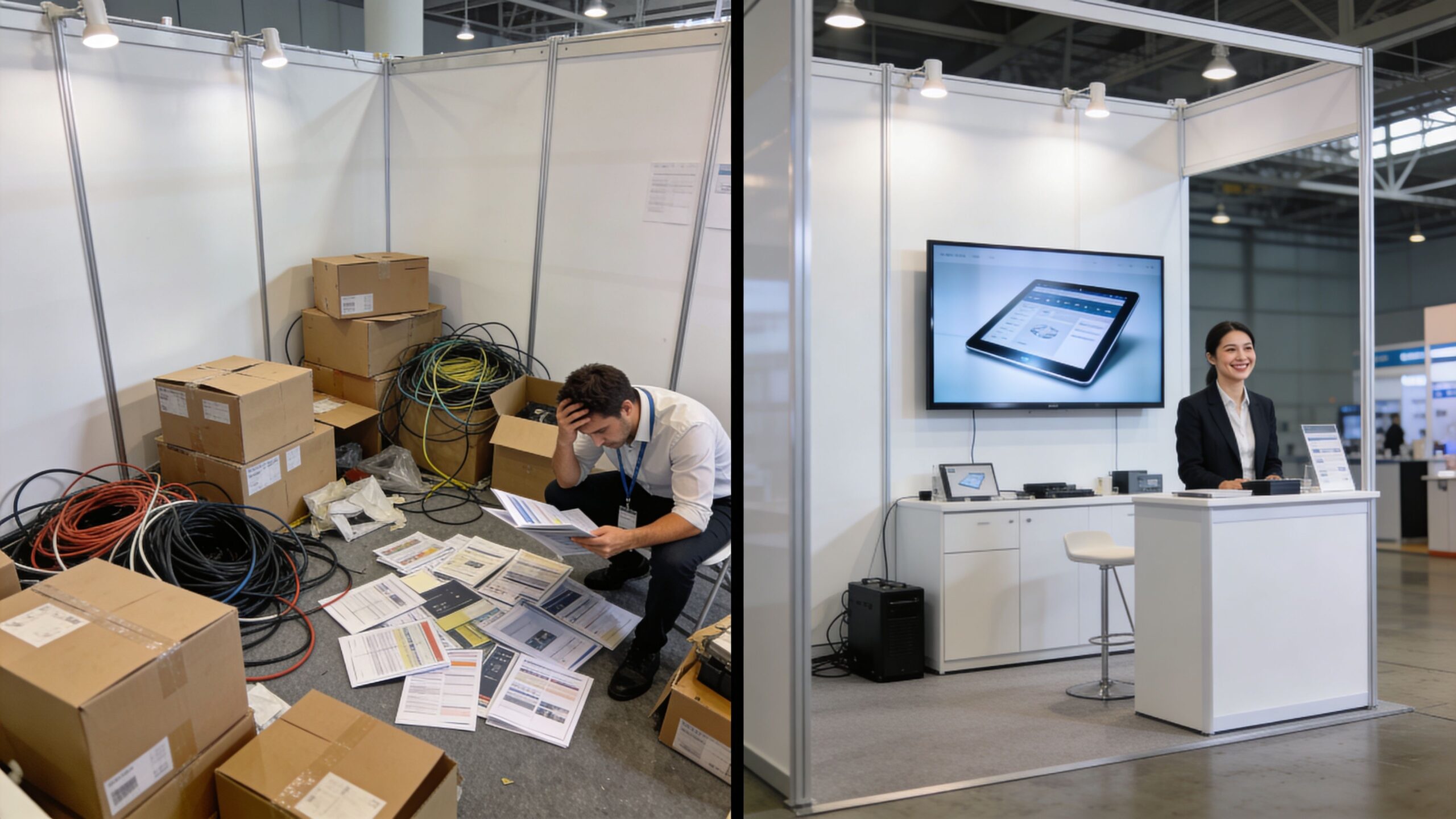
You arrive at the hall for move-in and the booth footprint is taped out, crates are still in transit, labor has a tight window, and your screen vendor is nowhere to be found. That is how expensive display choices fail. On a trade show floor, the key test is not how the screen looked in a product photo. It is how fast it gets installed, how cleanly it fits the booth, and who fixes it when something breaks at 9:12 a.m. on show day.
Shipping, drayage, labor scheduling, cable routing, content checks, and day-of support decide whether your booth feels polished or patched together. Standard large touchscreen displays can work well, but they often bring more pieces, more visible framing, and more setup constraints. An integrated LED wall usually gives us more control over footprint, sightlines, and install speed, which matters when union labor is billing by the hour.
Setup speed affects labor cost
Every extra install step adds labor time and creates another chance for alignment problems, missing hardware, or last-minute changes. That is why we prefer display systems built for events, not repurposed office or retail hardware.
Toolless LED cabinet systems and pre-engineered booth integrations cut down on small failures that waste hours. Fewer brackets. Fewer loose parts. Less time spent shimming mounts or hiding support structures. If your priority is a large interactive surface, a standard touchscreen may still be the right call. If your priority is high visual impact across a wider wall with cleaner integration into the booth build, LED usually wins on event practicality.
What turnkey should actually include
A real turnkey partner handles the work exhibitors should never be stuck managing from the aisle.
- Pre-show coordination: booth layout, power planning, content specs, freight timing, and labor scheduling
- Install and dismantle: handled by crews who know the exact system going in
- On-site supervision: one accountable team owns performance during show hours
- Immediate support: fast troubleshooting for playback, processor, signal, or panel issues
This is also where renting often beats ownership for exhibitors who want fewer operational headaches. Our guide to owning versus renting an LED video wall for trade shows breaks down the support and logistics differences clearly.
We take this further than basic delivery. We handle the install, stay accountable during the event, and keep an audiovisual technician on site while the trade show is open. If something goes wrong, you text or call. An AV technician comes to the booth and fixes it.
Avoid the multi-vendor trap
A surprising number of exhibitors still piece together a booth from separate monitor vendors, mount providers, content teams, and show labor. That approach looks cheaper on a spreadsheet. On the floor, it creates confusion about who owns the problem.
If a touchscreen mount arrives late, the screen vendor blames freight. If content scales wrong, the content team blames the hardware. If an LED processor loses signal, nobody wants the call. We do. One team, one plan, one point of accountability.
Here’s a closer look at how a professional build comes together in the field.
White-glove support for large touchscreen displays protects show performance
White-glove service is not a fancy add-on. It is risk control.
Your staff should spend show hours meeting buyers, running demos, and booking follow-ups. They should not be under a counter tracing a bad cable, rebooting a media player, or searching the hall for emergency AV help. For trade shows, the best display partner is the one that stays responsible after the screen turns on.
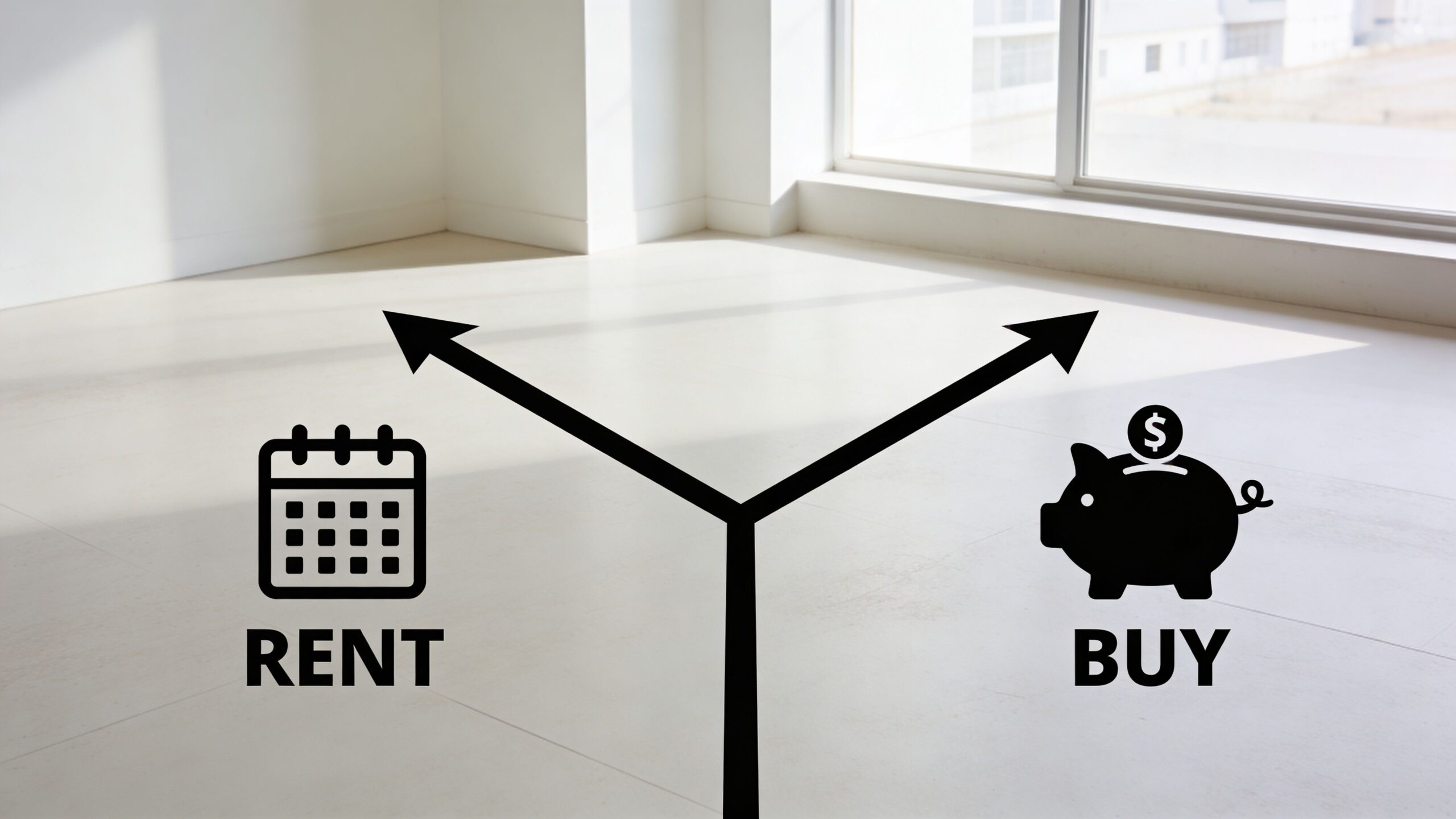
Calculating the Value Renting Versus Buying
Most exhibitors don’t need to buy first. They need the right decision for how often they exhibit, how much flexibility they need, and how much operational burden they want to carry.
A large touchscreen display or LED system can make sense as either a rental or a purchase. The smart choice depends on use frequency and internal capacity, not pride of ownership.
When renting is the better move
Renting is usually the right call when you exhibit occasionally, want to test a format before committing, or need different booth footprints across shows. It keeps you flexible. It also removes the long list of ownership issues that buyers underestimate, including storage, maintenance, transport, refurbishment, and tech updates.
Renting makes even more sense if your internal team isn’t built to manage AV logistics. In that case, ownership can create work instead of value.
When buying starts to make sense
Buying works better for frequent exhibitors, brands that want a consistent system across multiple events, or organizations that also plan to use the display outside trade shows. If the system will live in a showroom, briefing center, or headquarters between events, the investment may be easier to justify.
But even then, don’t buy just because the hardware can be owned. Buy if your team can support the lifecycle.
Price transparency matters more than the base number
Exhibitors often find themselves in a bind. A low initial quote often excludes the work that makes the exhibit function.
Our pricing approach is simple. We include everything in our price except the bills the show sends you directly. For example, the show will bill you for electricity and material handling. Everything else is included in our price. That means you’re not piecing together separate charges for core execution after the fact.
If you’re comparing models in detail, owning vs renting an LED video wall is a practical resource because it forces the conversation past sticker price.
How I’d think about return on value
I wouldn’t reduce the decision to a spreadsheet alone. Booth displays influence more than direct lead count.
Look at the value across several categories:
| Consideration | Renting | Buying |
|---|---|---|
| Flexibility | High | Lower |
| Upfront commitment | Lower | Higher |
| Operational burden | Lighter | Heavier |
| Format experimentation | Easier | Harder |
| Long-term asset use | Limited | Stronger if used often |
Then ask the harder questions. Did the display make the booth easier to find? Did it improve first impressions? Did it help your team start better conversations? Did it make your launch or demo feel more established?
Buy when repetition justifies ownership. Rent when agility matters more than possession.
That’s the cleaner way to make the call.
Your Next Steps to a Standout Booth Experience
If you’re deciding on a large touchscreen display for an upcoming show, don’t start with the biggest screen size or the flashiest render. Start with how your booth needs to perform.
A good decision comes down to a few practical filters.
Use this short decision checklist
Ask these questions before you approve anything:
-
Do we need one-to-one interaction or booth-wide visual impact?
If the answer is both, you may need a broader display strategy than a single panel. -
Will attendees view the content from a few feet away, across the aisle, or both?
That determines how much image precision and scale matter. -
Is our content built for trade shows or recycled from other channels?
Most repurposed content looks busy and weak on the floor. -
Who is responsible if something fails during show hours?
If the answer is “our team,” rethink the plan.
Pick the large touchscreen display solution that matches the environment
Trade shows are temporary, crowded, bright, and unforgiving. That’s why a display that works in a lobby or conference room may disappoint in an exhibit hall.
If your goal is a contained demo station, a traditional touchscreen can work. If your goal is to create presence, continuity, and a booth that reads as modern from every angle, a unified integrated display format is usually the better move.
Don’t separate the hardware from the experience
The strongest booths connect three things well:
- Display format
- Content strategy
- Execution support
Miss one of those, and the whole experience softens. Nail all three, and your booth stops looking like rented equipment and starts feeling like a branded environment.
If you’re planning now, the next step is simple. Build your shortlist around vendors who can answer technical questions clearly, support content decisions, and stay accountable when the hall opens. That’s the standard worth holding.
Frequently Asked Questions About Large Display Technology
The final questions are usually the ones that matter most on a trade show floor. Exhibitors stop asking what looks impressive in a showroom and start asking what will hold up during install, perform under hall lighting, and stay reliable once the doors open.
FAQ
| Question | Answer |
|---|---|
| Will a large touchscreen display work under bright expo lighting? | Yes, if you choose the right panel. Bright halls expose weak screens fast. Glare, poor off-angle visibility, and washed-out color make touch content harder to use, which is why viewing performance and surface treatment matter as much as resolution. This viewing-angle display analysis explains why wide-view technology helps maintain image consistency across the booth. |
| Is an integrated LED wall too much for a smaller booth? | No. In a small footprint, a single integrated display surface often looks cleaner than stacking separate screens, mounts, and cables into a tight space. It also simplifies the visual story. One strong canvas usually beats several disconnected screens. |
| Should we choose touch for every booth display? | No. Use touch where people need to explore products, compare options, or trigger a guided demo. Use non-touch screens where the job is visibility, motion, and brand impact from a distance. |
| What matters more, brightness or resolution? | Brightness wins first. If attendees cannot see the screen clearly from the aisle, resolution does not save it. Once visibility is handled, image detail matters most for close-up interaction and product content. |
| How many people should be able to use an interactive display at once? | Match the display to the booth workflow. A one-on-one sales demo needs speed and simplicity. A busy booth with shared exploration needs a layout, software, and screen size that prevent people from crowding each other out. |
| What gets overlooked when comparing a touchscreen to an LED wall? | Setup time, cable management, transport risk, and who fixes problems on site. General tech guides skip that part. At trade shows, those details shape the outcome as much as the hardware does. |
A few blunt answers exhibitors need for large touchscreen displays
A screen that looks strong in a conference room can fail fast in an exhibit hall.
We tell clients to judge display options by three things. How hard they are to ship. How clean they look once installed. How much support they need during show hours. That is where the key trade-off sits between a standard large touchscreen display and an integrated LED wall.
Touchscreens are a smart fit for focused demos. Integrated LED walls are the stronger choice when the booth needs scale, cleaner sightlines, and fewer visible hardware distractions.
The right display choice reduces booth friction for your team and makes the brand easier for attendees to notice, understand, and remember.
If you want help choosing the right format for your next exhibit, talk with LED Exhibit Booths. We’ll compare a large touchscreen display against an integrated LED booth solution, explain the trade-offs clearly, and build a turnkey plan that fits your space, content, and budget.