
You’re probably dealing with the same problem most exhibitors face. You booked a smaller space, you’ve got a standard table, and now you’re staring at a show floor full of booths that all blur together. Naturally, a tabletop display for trade shows can help. Fabric backwalls. Retractable banners. Printed table throws. Maybe a bowl of candy if someone got ambitious.
That setup is common because it’s easy. It’s also forgettable.
A tabletop display for trade shows can do a lot more than sit behind your brochures. Used well, it becomes the focal point of your space. Used badly, it becomes background noise. The difference usually comes down to one decision. Static graphics, or dynamic visual content that stops people in the aisle.
Making an Impact in a Sea of Sameness
You set up at 7:30 a.m. By 10:00, the aisle is full, and half the tables look interchangeable. They have the same fabric backdrop. Plus, they all have the same printed header. Additionally, they all have the same stack of brochures. Attendees scan, keep walking, and forget what they just passed.
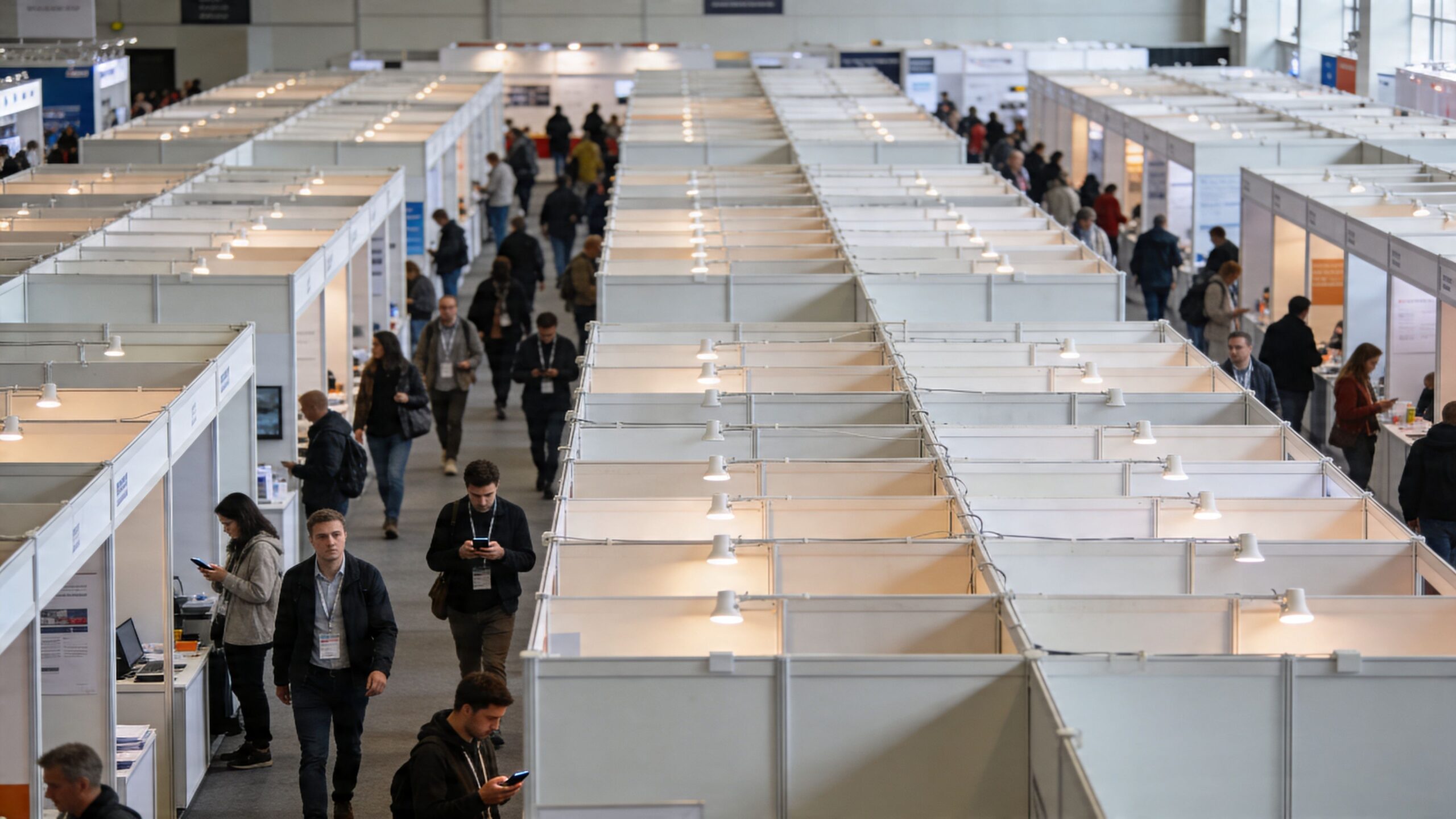
That is exactly why tabletop strategy matters. A smaller footprint forces discipline. Every inch has to attract attention, explain value fast, and give your staff a better starting point for conversation.
The issue isn’t that your table is six or eight feet wide. The issue is that many exhibitors still use a tabletop like storage space with branding attached. That approach wastes the one advantage of a compact exhibit. Focus.
Serious exhibitors should treat the tabletop as a high-visibility media surface, not a place to pin up a static message and hope for the best. A high-resolution LED display in a compact format gives you motion, sequencing, brightness, and message control that printed panels cannot match. That matters on a crowded floor where people decide in seconds whether to stop.
A good tabletop display for trade shows setup needs to do three jobs:
- Stop traffic: movement, contrast, and clear visual hierarchy break the pattern of static booths.
- Explain fast: one strong headline and dynamic visuals communicate the offer before a rep says a word.
- Support sales conversations: product loops, short demos, and proof points give your team something useful to talk through.
If your display cannot do those jobs, it is taking up space.
The best compact booths are not the ones with the most hardware. They are the ones with the clearest message and the strongest presentation system behind it. That is why smart buyers look beyond the screen itself and evaluate the full trade show booth design strategy. Additionally, they consider lead generation and visibility display, the content, the setup, the transport case, the on-site support, and the show-floor reliability all affect ROI.
Static graphics can still fill a table. Dynamic LED can make that same table perform.
Exploring Your Tabletop Display for Trade Shows Options
A buyer walks the aisle, sees six tabletops in a row, and remembers none of them. That is what happens when every exhibitor chooses the same printed panel, the same fabric curve, and the same safe layout.
Tabletop displays started as a practical way to show up without paying for a larger footprint. Early versions were built for portability and basic branding. Digital printing improved image quality later, but the core idea stayed the same for years. Most of the category was designed to be easy to carry, not hard to ignore.
That legacy still shapes buying decisions now. Plenty of exhibitors still shop for a tabletop display as if their only real choices are print, fabric, or a collapsible frame. That is outdated thinking, especially for brands that need real booth traffic and measurable return from a small space.
Traditional choices
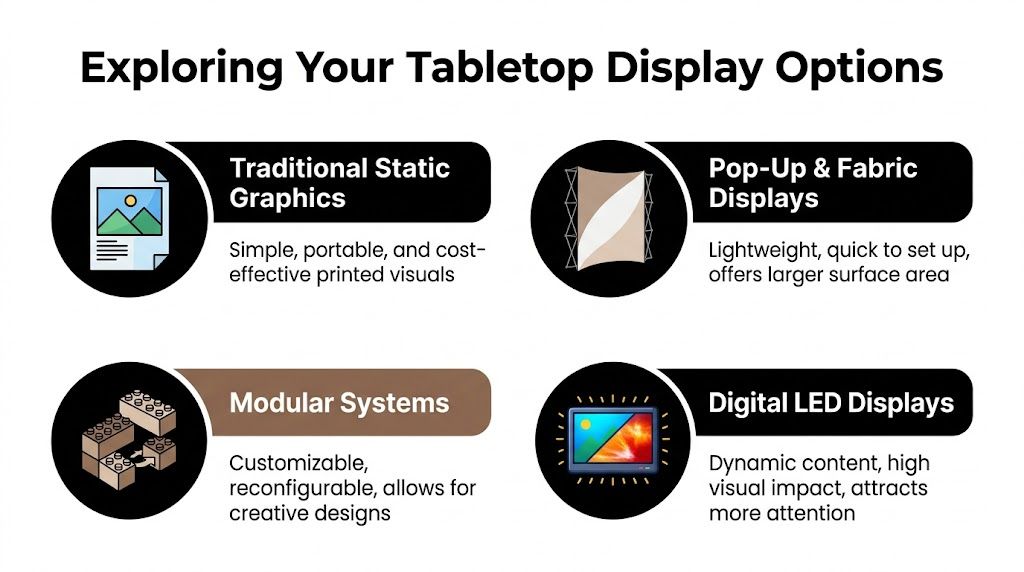
Printed tabletop signs are the budget option. They work for school fairs, check-in tables, internal events, and simple sponsorship appearances. They rarely create enough visual pull for a crowded trade show unless the message is exceptionally sharp and the surrounding competition is weak.
Pop-up and fabric displays give you more height and cleaner branding. They travel well, set up fast, and remain a common choice for exhibitors comparing a pop-up display for trade show use with other portable systems. They still suffer from the same problem. On a busy floor, they blend in because so many booths use the exact same format.
Panel systems and modular tabletop kits add flexibility. You can attach shelves, literature holders, mounted graphics, and product callouts. That helps if your event schedule changes from venue to venue. It does not solve the attention problem on its own.
The option serious exhibitors should examine first
Compact LED video displays deserve to be near the top of the list, not treated as a niche add-on.
That is the gap in most tabletop advice. It covers static hardware well enough, then stops short of explaining how a small-format LED system can turn one tabletop surface into a branded presentation tool, demo loop, proof-point reel, and traffic stopper at the same time. If your team is paying for travel, show services, staff time, and lead follow-up, settling for a display that only sits there is a weak decision.
A serious tabletop display for trade shows setup should work like media, not signage.
That distinction matters. Static systems display one message at a time. A high-resolution LED system can rotate use cases, show motion graphics, highlight product detail, and adapt content throughout the day. It also opens the door to a true turnkey approach, where the exhibitor is not left sourcing hardware, content formatting, transport planning, setup support, and troubleshooting from five different vendors.
Tabletop Display for Trade Shows Comparison
| Display Type | Visual Impact | Setup Complexity | Best For |
|---|---|---|---|
| Printed tabletop signs | Low to moderate | Very low | Local events, informational tables, simple messaging |
| Pop-up and fabric displays | Moderate | Low | Small trade shows, portable branded backdrops |
| Modular panel systems | Moderate | Moderate | Exhibitors needing adaptable layouts and accessories |
| Digital LED displays | High | Moderate to high | Product launches, demos, premium branding, high-traffic floors |
Choose based on the job, not the habit.
If the goal is basic identification, static display pieces can cover it. If the goal is stopping qualified attendees, holding attention long enough to start a conversation, and getting more value from a limited footprint, compact LED should be on your shortlist immediately.
Why Dynamic LED Displays Outperform Static Graphics
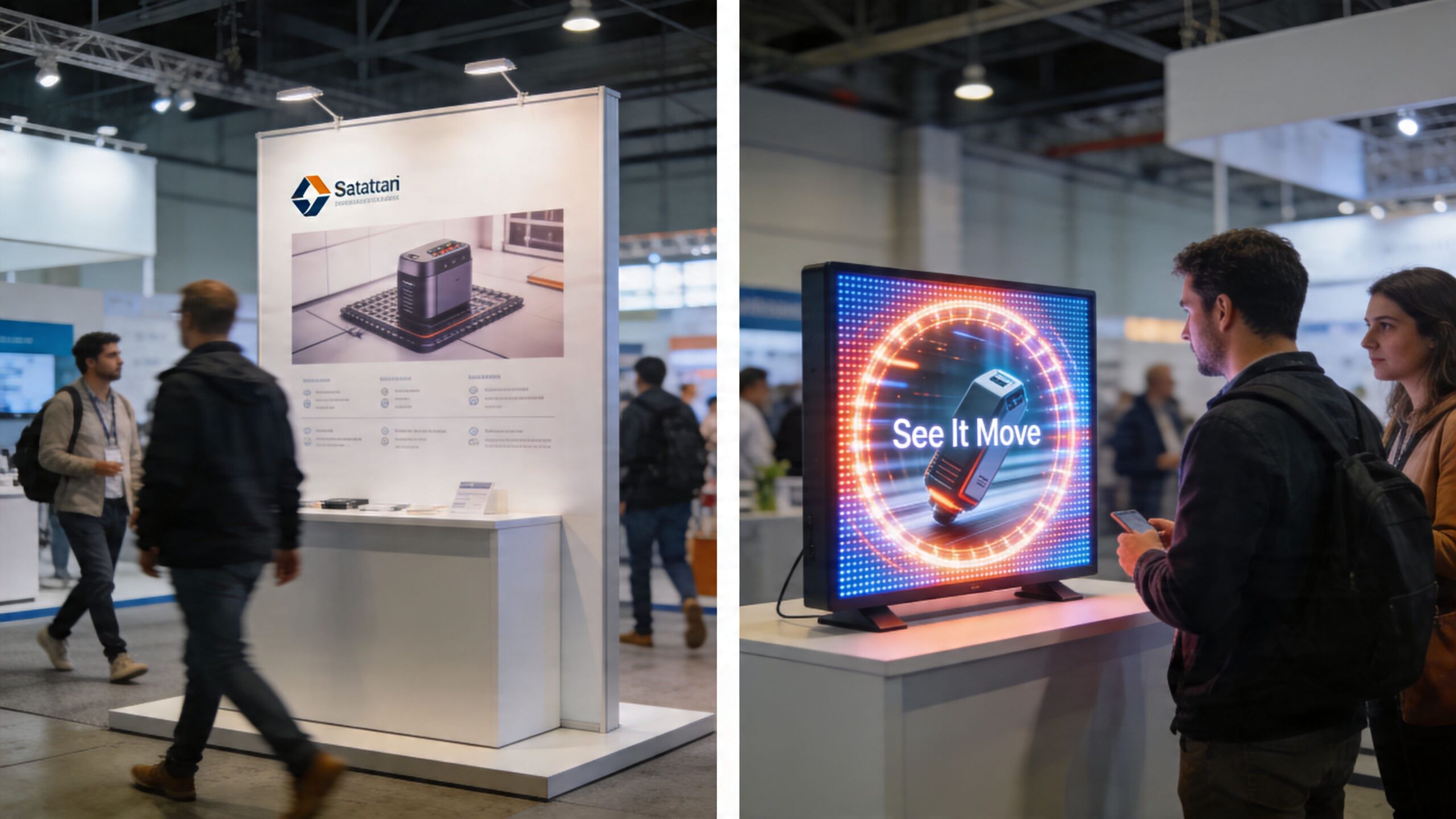
Static graphics ask attendees to make an effort. Moving visuals do some of the work for them.
That matters on a trade show floor because attention is scarce. Existing tabletop guides largely ignore dynamic LED video, even though dynamic content can boost attendee dwell time by 47%, according to Monster Displays. If you’re trying to earn a conversation in a crowded aisle, that difference isn’t minor.
Motion creates priority
The human eye scans for contrast, movement, and light. A printed board can still work, but it has one chance to say one thing. A video display can rotate messages, show product use, reveal detail, and create rhythm.
For tabletop environments, this is especially powerful because people don’t stand far away. They walk close, pause close, and talk close. That means your display isn’t acting like a billboard across a hall. It’s acting like a presentation surface at arm’s length.
That’s where lower-quality LED falls apart.
Pixel pitch matters more on a tabletop display for trade shows
A lot of exhibitors hear “LED wall” and think bigger is better. Wrong metric. For tabletop use, resolution at close range matters more than brute size.
1.9 pitch stands out against the more common 2.5 pitch options you’ll see from many competitors. Smaller pitch means tighter pixel spacing. Tighter pixel spacing means a cleaner image when someone is standing right in front of the display.
On a large wall viewed from distance, a rougher pitch can get by. On a tabletop display for trade shows, where attendees may be inches away while looking at product demos, interface animations, or fine text, 2.5 can look coarse. 1.9 looks sharper. That’s the difference between premium and “good enough.”
- For logos: edges look cleaner
- For product footage: detail holds up better
- For text overlays: readability improves at close range
- For premium brands: the whole booth feels more polished
If attendees are close enough to inspect your product, they’re close enough to notice weak resolution.
This isn’t spec-sheet vanity. It affects how confident your brand looks in person. If you’re comparing formats, materials, and close-view performance, it’s worth reviewing different LED display board configurations before defaulting to a lower-resolution system.
Key Specifications and Sizing Your Display
Most buyers get distracted by the screen itself and forget the operating environment. Convention halls are bright. Overhead lighting is harsh. Booths compete side by side. Your display has to cut through all of that without becoming a setup headache.
Strategic lighting matters because attendees often give an exhibit only a two-second glance, and luminous contrast helps pull them in, according to Taylor’s guidance on trade show booth displays. That principle applies whether you’re using LED backlighting behind graphics or self-luminous LED tiles.
Start with the viewing distance
A tabletop display is a close-view medium. That changes what matters.
For a standard 6-foot or 8-foot table, think in terms of proportion, not maximum possible size. If the display dominates the table so aggressively that there’s no room for samples, literature, scanner placement, or conversation space, you’ve built a visual obstacle.
Ask these questions before you commit:
- How close will attendees stand? Close viewing favors finer pitch and cleaner content.
- Will you demo a product on the table? Leave room for the actual selling moment.
- Is the table against a wall or open to aisles? Open exposure may justify a taller or more sculptural LED element.
- What does show management allow? Height rules and power rules can change by event.
Specs that actually affect results
A lot of spec talk in this category is noise. These points aren’t.
Resolution and pitch
For tabletop LED, resolution quality is visible immediately. Fine pitch is the right choice when people are near the screen.
Brightness and contrast
The display has to stay readable under venue lighting. A dim screen gets washed out fast. A bright, well-balanced screen creates the visual hierarchy that static print often can’t.
Weight and modularity
Tabletops have practical limits. Modular tiles help because they can be configured to fit the footprint and packed more efficiently than rigid, oversized structures.
Power and cable management
Many “simple” systems often stop being simple. Ask how the display is powered, how cables are concealed, and whether the final setup looks clean from attendee angles.
Practical rule: If the display needs a long explanation before setup day, it’s probably too complicated for a tabletop program.
If you’re evaluating close-range LED options for compact exhibits, looking at LED panel systems for video applications can help clarify what belongs on a table and what belongs on a larger structure.
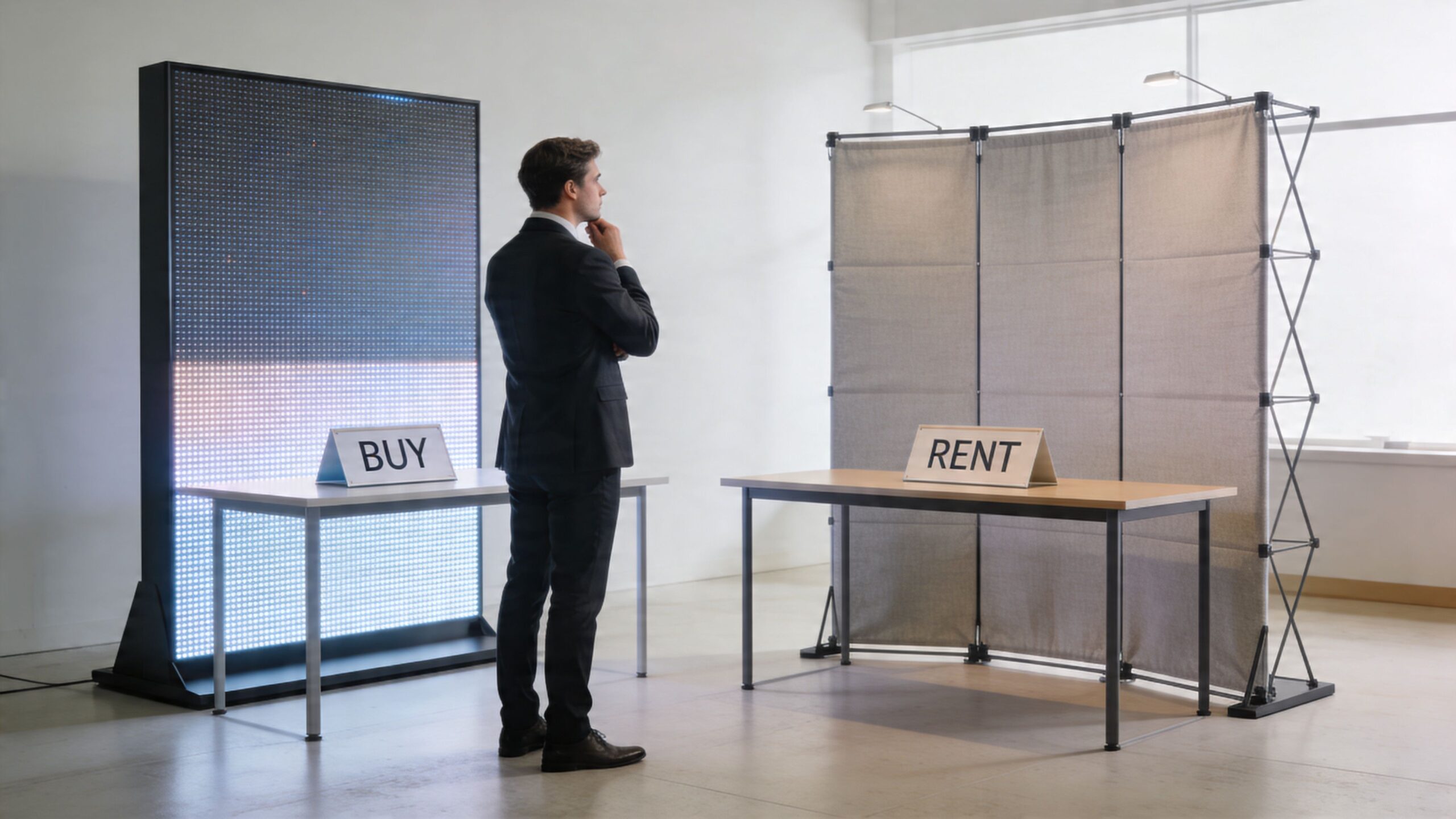
Renting vs Buying Your Tabletop Display for Trade Shows Solution
Most exhibitors shouldn’t buy first. They should rent first.
That advice surprises people because ownership feels more permanent and more efficient. In trade shows, permanence is overrated if the technology changes, your booth program changes, or your event schedule isn’t heavy enough to justify storage and maintenance.
When renting makes more sense
Rent if you’re still testing whether tabletop LED fits your event strategy. Alternatively, rent if your show calendar is inconsistent. Additionally, rent if you want access to newer display technology without locking yourself into hardware that may feel dated sooner than you expected.
Renting is also the smarter move when your internal team doesn’t want to become a part-time logistics department.
A rental usually fits best for:
- Occasional exhibitors who attend a few major events and want impact without long-term equipment responsibility
- Marketing teams in test mode that want to validate the format before committing capital
- Brands with changing booth sizes that need flexibility from one venue to the next
When buying earns its keep
Buying makes sense if you exhibit constantly, use the display outside the show floor, and already have a plan for storage, transport, maintenance, and support. Some companies also buy when they want one visual system working across trade shows, lobbies, sales centers, and internal events.
That said, buyers often underestimate the hidden demands of ownership. Equipment has to be stored correctly. It has to be checked before events. Someone has to own the content workflow. Someone has to solve problems when a panel or processor acts up.
If you’re weighing that business decision more broadly, this article on Is Leasing Equipment Better Than Buying It? is a useful outside perspective on how companies think through lease-versus-own tradeoffs.
The practical decision test
Use this filter:
| Situation | Better Fit |
|---|---|
| You exhibit occasionally and want premium impact | Rent |
| You want current technology without long-term hardware risk | Rent |
| You exhibit frequently and will reuse the system beyond trade shows | Buy |
| You have internal ops support for storage, maintenance, and event handling | Buy |
For most brands entering this category, renting is the lower-friction path. If you want a deeper breakdown of trade show-specific tradeoffs, review this guide to owning vs renting an LED video wall.
Decoding the Price What Turnkey Service Really Means
“Turnkey” is one of the most abused words in the exhibit business.
A lot of vendors use it when they mean “we shipped the gear.” That’s not turnkey. That’s delivery.
Real turnkey service means you’re not babysitting the project. The provider handles the operational chain so your team can focus on meetings, demos, and actual selling. If you still have to coordinate installers, troubleshoot playback, manage missing components, or chase down last-minute fixes, you didn’t buy turnkey. You bought stress with branding.
What should be included with a tabletop display for trade shows
A serious tabletop LED package should include the essentials required to get the display from warehouse to show floor and back out again in working condition. That generally means the display system itself, the supporting hardware, logistics planning, setup, dismantle, and show-ready execution.
The cleanest pricing model is also the most honest one. Everything should be included except what the show bills you directly, such as electricity and material handling. Those charges come from the event or venue, not from the display provider.
White glove means support during show hours
Weak vendors expose themselves.
A true white glove service doesn’t end when install wraps. It includes active support while the trade show is open. If something fails, flickers, disconnects, or needs adjustment, you need a fast fix. Not a ticketing portal. Not a voicemail. A person.
The gold standard is simple. An onsite audiovisual technician stays available for the full duration of show hours. If anything goes wrong, your team texts or calls, and that technician gets to the booth quickly to solve it.
Don’t confuse “we’re available if needed” with “we have a technician on the floor and ready to respond.”
That level of service matters more with LED than with static print because the upside is higher and the support burden is more technical. If you’re serious about looking polished, turnkey isn’t a nice extra. It’s part of the product.
Best Practices for Display Content and Design
A high-resolution display won’t save weak content. Bad footage on a premium LED wall still looks bad. It just looks bad more clearly.
For tabletop use, content has to work at close range and in short bursts. People won’t stand there for a full brand film. They’ll catch fragments while walking, pausing, and talking.
What works on a tabletop display for trade shows screen
Keep loops short and clean. Show the product in use. Prioritize visuals that explain value without narration.
Use this checklist:
- Lead with one message: Don’t rotate through five campaign ideas. Pick one core promise.
- Keep text minimal: A tabletop display isn’t a slide deck.
- Show detail: Close-up footage, interfaces, material textures, or before-and-after visuals work well at this scale.
- Design for silent viewing: Most aisle traffic won’t hear audio.
- Keep branding persistent: Your logo or brand cue should remain visible even as scenes change.
What usually fails
Dense paragraphs. Tiny type. Long-form explainers. Generic stock clips with no connection to the product. And the classic mistake, content built for a website hero banner stretched onto an event display.
Strong tabletop content behaves like a looped demo, not a commercial.
If your team needs help assembling fast, polished loops without a heavyweight edit process, lightweight effective video maker tools can help turn product visuals into cleaner event-ready content.
A simple content rule works well here. If someone watches for a few seconds and still can’t tell what you do, the creative needs to be rebuilt.
Your Next Step to a Standout Booth
The best tabletop display for trade shows isn’t the one that merely fits the table. It’s the one that earns attention, supports conversation, and makes your brand look more serious than the booth next to you. Static graphics still have a place, but dynamic LED has changed what a compact exhibit can do. For close-up environments, higher resolution matters. So does real turnkey support.
If you’re done blending into the aisle, stop shopping like you’re buying printed signage and start planning like you’re building a live sales environment.
If you want a tabletop LED setup that looks sharp up close, includes true white glove execution, and comes with onsite AV support during show hours, talk to LED Exhibit Booths. They build turnkey video wall trade show displays for brands that want to stand out without managing the technical chaos themselves.